

In This Guide Show
When people tell me "ChatGPT gives such boring answers", I usually ask to see what they typed. Nine times out of ten, it's something like "write about healthy food" or "make a resume".
That's like walking into a tailor and saying "make a shirt". You'll get a shirt. Probably not the one you wanted. AI tools work much better when you give them the same details you'd give a person. Here's the simple approach I use, with real before-and-after examples you can copy.
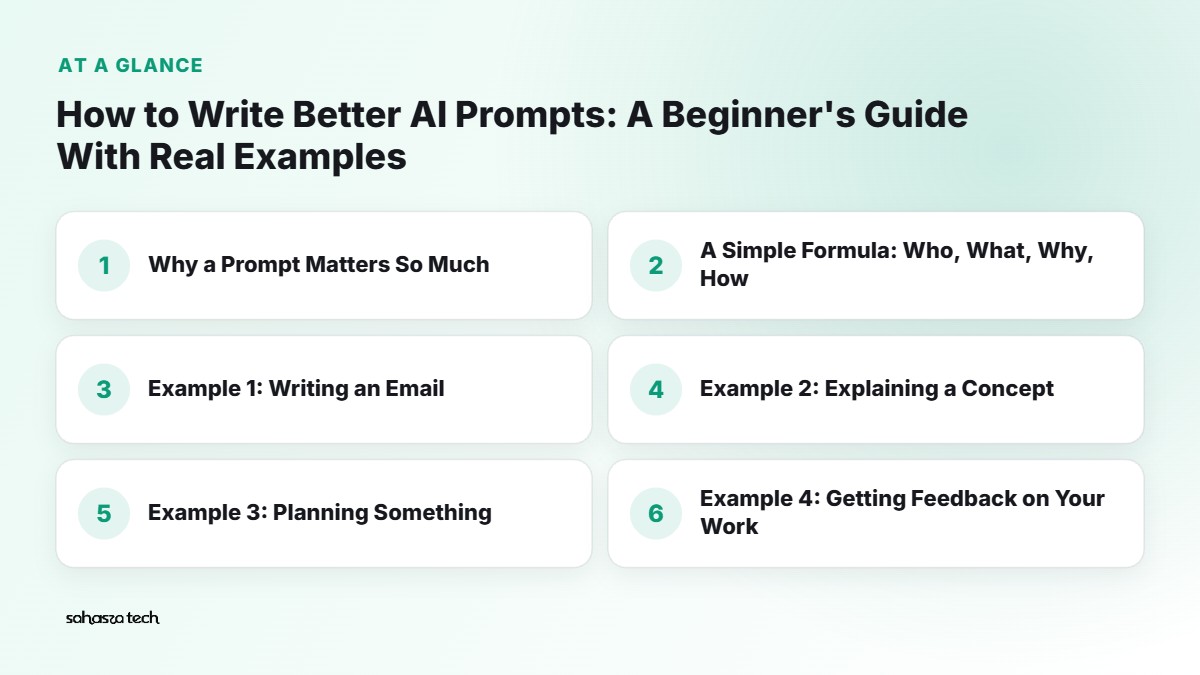
Why a Prompt Matters So Much
AI chatbots don't know who you are, what you need it for, or what "good" looks like to you. When your prompt is vague, the AI fills the gaps with the most generic, average answer possible. That's where the bland "In conclusion, healthy eating is important" stuff comes from.
The more useful context you give, the less it has to guess.
You don't need special "magic words". You need clarity.
A Simple Formula: Who, What, Why, How
I think about prompts in four parts. You don't need all four every time, but the more you include, the better the result usually gets.
- 1. Who – who is this for? (Or who should the AI act as?)
- 2. What – what exactly do you want?
- 3. Why – what's it for? What's the goal?
- 4. How – format, length, tone, things to avoid.
Let's see it in action.
Example 1: Writing an Email
Before: > Write an email asking for leave.
After: > Write a short email to my manager asking for leave on Friday, 14th, for my cousin's wedding in Vijayawada. I've already finished this week's report. Tone: polite and simple, not overly formal. Keep it under 100 words. Don't use phrases like "I hope this email finds you well".
The second one gives the reason, the context (work is done), the tone, length, and even a phrase to avoid. The result will sound much closer to something you'd actually send.
Example 2: Explaining a Concept
Before: > Explain inflation.
After: > Explain inflation to me like I'm a first-year college student who isn't from an economics background. Use one everyday example from India, like petrol or vegetable prices. Keep it to about 200 words, then give me 3 quick questions to test if I understood.
Now you get an explanation at the right level, with a relatable example, plus a way to check yourself.
Example 3: Planning Something
Before: > Plan a trip to Goa.
After: > Plan a 3-day budget trip to Goa for 4 friends in their 20s, travelling from Hyderabad by train in December. We like beaches, cafés and some nightlife, but not water sports. Budget is roughly ₹8,000 per person excluding travel. Give a day-wise plan with North vs South Goa suggestions. Mark anything where prices may vary so I can check them myself.
That last sentence is important – it reminds the AI (and you) that price estimates need verification.
Example 4: Getting Feedback on Your Work
Before: > Is this good? [pastes paragraph]
After: > Here's the introduction to my college project on water conservation. Give me honest feedback as a strict professor would. Point out: unclear sentences, weak arguments, and anything that sounds generic. Don't rewrite the whole thing – just list the problems and suggest one improvement for each.
Asking it not to rewrite keeps the work yours, and you actually learn something.
Techniques That Make a Big Difference
Give it an example of what you want
If you want a specific style, show it.
> Here are two product descriptions I like: [paste]. Write a similar one for a steel water bottle, 1 litre, keeps water cold for 12 hours.
AI is very good at matching examples.
Ask for a specific format
- "Give me a table with columns: Feature, Phone A, Phone B."
- "Answer in 5 bullet points."
- "Write it as a WhatsApp message, not an email."
Format instructions are some of the easiest wins.
Tell it what to avoid
- "No jargon."
- "Don't use emojis."
- "Don't make up statistics – if you're not sure, say so."
Let it ask you questions first
This one feels backwards but works beautifully for bigger tasks:
> I want to make a resume for a fresher software developer role. Before writing anything, ask me the questions you need answered to make it good.
The AI will ask about your projects, skills, internships… and the final result will be built on your real details instead of generic filler.
Break big tasks into steps
Instead of "write my entire blog post", go step by step:
- 1. "Suggest 5 angles for a post on saving electricity at home in summer."
- 2. "Let's go with angle 3. Make an outline."
- 3. "Now help me with the section on AC settings. Here's what I already know: [notes]."
You stay in control, and the output stays sharper.
Iterate – don't start over
The first answer is a draft. Reply with specific feedback:
- "Make it shorter."
- "That's too formal. Make it sound like a friend talking."
- "The second point is wrong – the deadline is 31st, not 30th. Fix it."
Most people give up after the first answer. The magic is usually in the second or third.
Common Mistakes Beginners Make
- 1. Being too short. "Write about phones" gives you nothing useful.
- 2. Asking for facts without checking them. AI can be confidently wrong about numbers, dates and citations. Verify anything important.
- 3. Pasting private information. Don't paste passwords, Aadhaar numbers, bank details, or your company's confidential documents into chatbots.
- 4. Asking five things in one line. Split them up.
- 5. Copying "mega prompt" templates blindly. Those 500-word prompts from the internet sometimes help, but often a clear, short prompt with your real context beats them.
- 6. Treating it as final. Always read and edit the result. It should sound like you.
A Handy Prompt Template
Save this in your notes and fill in the blanks:
> Context: I am a [who you are] and I need this for [purpose]. > Task: Please [what you want]. > Details: [important facts, examples, constraints]. > Format: [length, structure, tone]. > Avoid: [things you don't want]. > If unsure: ask me questions or tell me what you're unsure about.
It looks formal, but once you've used it a few times, you'll write prompts like this naturally without the labels.
Do Prompts Work the Same in Gemini, ChatGPT, Claude and Copilot?
Mostly yes. Clear instructions work everywhere. You'll notice small differences in style – some tools write longer by default, some are more cautious – but the who/what/why/how approach works across all of them.
If one tool's answer isn't great, try the same prompt in another. Sometimes that's faster than rewriting.
A Note on Those "100 Best Prompts" Lists
You've probably seen them – I've even made a few. They can give you ideas, but prompts work best when they include your details. A copied prompt without your context gives you the same generic output as everyone else who copied it.
Use those lists as inspiration, then add your own who/what/why/how.
Practice Exercise
Try this today. Take something you actually need to do this week – an email, a message to a landlord, a study plan, a product comparison. Write the shortest prompt first and see the result. Then rewrite it using the formula above and compare.
The difference is usually obvious enough that you won't go back.
FAQ
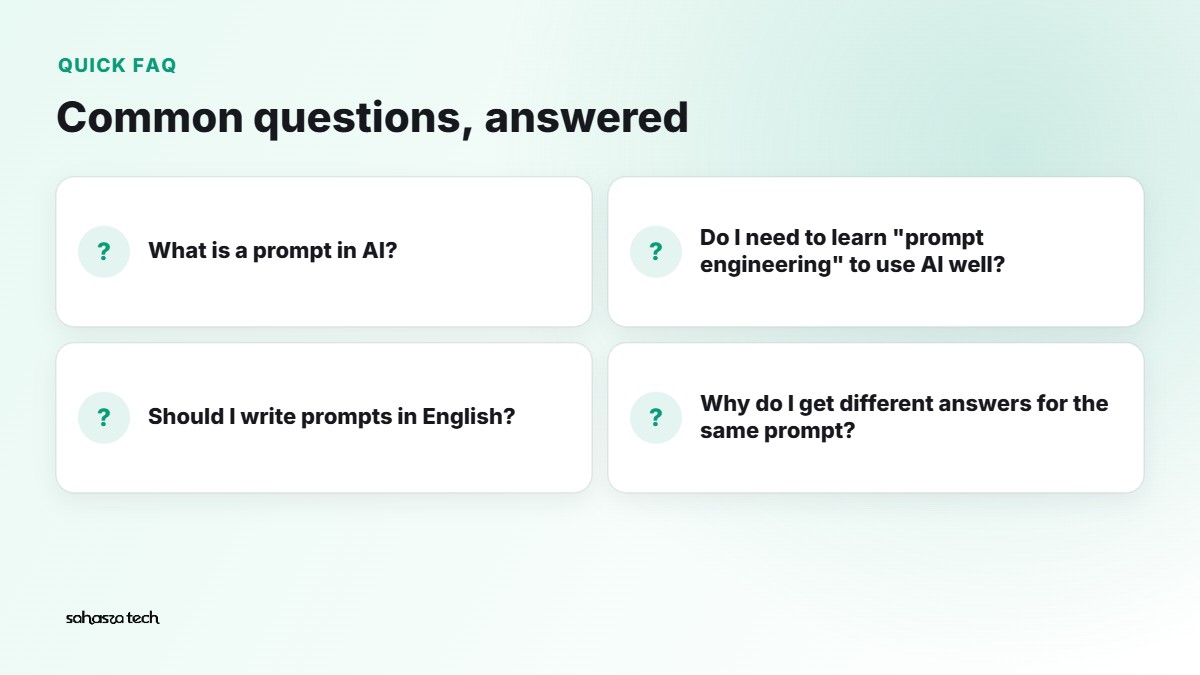
What is a prompt in AI? It's simply the instruction or question you type into an AI tool. Better prompts give the AI clearer context about what you want.
Do I need to learn "prompt engineering" to use AI well? No. Being clear about the task, audience, format and constraints gets you most of the way.
Should I write prompts in English? English works best in most tools, but many also handle Hindi, Telugu and other Indian languages reasonably well. Try your preferred language.
Why do I get different answers for the same prompt? AI responses include some randomness. If you need consistency, give more specific instructions and examples.
6 thoughts on “How to Write Better AI Prompts: A Beginner’s Guide With Real Examples”