
In This Guide Show
To get a traditional saree portrait with AI, upload a clear photo of yourself in Gemini or ChatGPT and describe the saree, the jewellery, the setting and the light you want. The prompts below are ready to copy for silk, cotton, festive and black-and-white looks. Replace the words in brackets and always ask the tool to keep your face exactly the same.
What makes a good saree portrait prompt?
A saree portrait looks real when the details match: the fabric, how the pallu falls, the jewellery, the background and the light. If you only write “make me wear a saree”, the AI guesses all of this, and the result often looks plastic. A good prompt names each detail in plain words.
- Fabric: Kanjivaram silk, Banarasi, soft cotton, chiffon or organza.
- Colour and border: for example “mustard yellow with a wide maroon zari border”.
- Jewellery: temple jewellery, jhumkas, a simple chain, bangles, or none.
- Setting: temple corridor, old house verandah, garden, or a plain studio wall.
- Light: soft window light, golden hour, or warm diya light.
Photo tips before you upload
- Use a recent, sharp photo with your face clearly visible and facing the camera or slightly turned.
- Avoid sunglasses, heavy filters and group photos. One person per photo gives the best result.
- Good light on the face matters more than the background.
- Only upload your own photo, or a photo of someone who has clearly agreed.
Prompt 1: Kanjivaram silk temple portrait
Use the woman from the uploaded photo. Keep her face, skin tone, hairline and features exactly the same, do not change her identity.

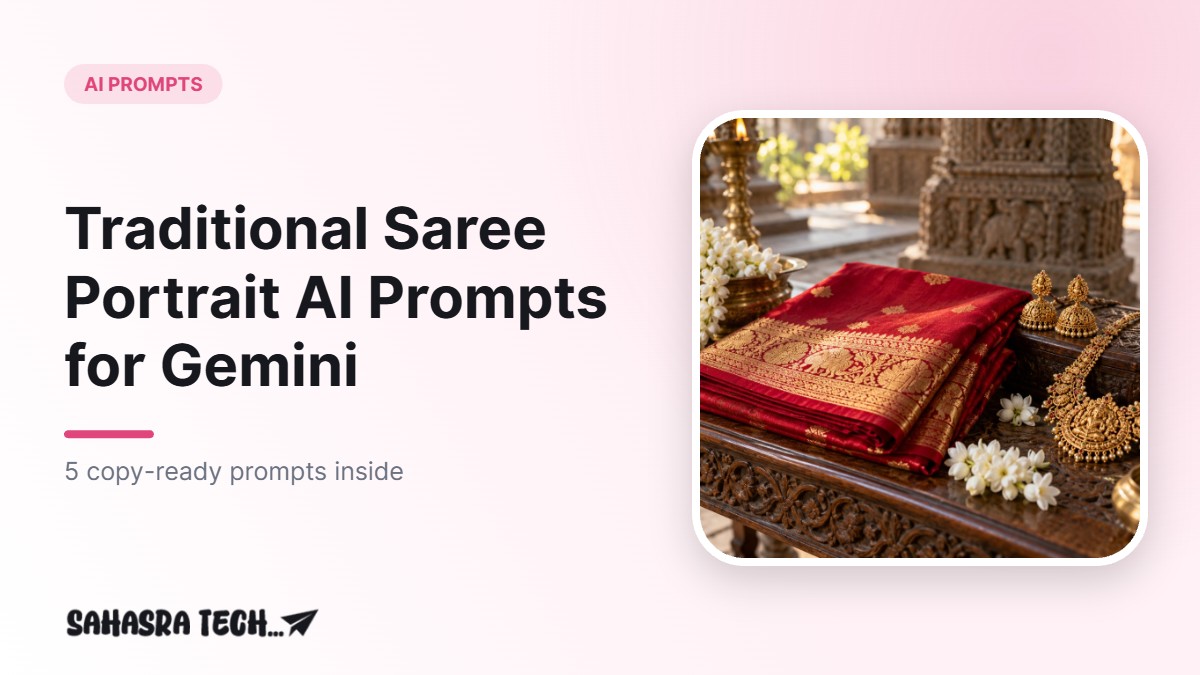
Create a realistic portrait of her wearing a [deep red] Kanjivaram silk saree with a wide gold zari border, the pallu draped neatly over one shoulder. Gold temple jewellery: a short necklace, jhumkas and a few bangles. Hair in a low bun with fresh jasmine flowers.

Setting: an old stone temple corridor with pillars, soft morning sunlight coming from the side. Natural skin texture, gentle smile, shot like a professional portrait on a 85mm lens, shallow depth of field. Square 1:1, no text, no watermark.
What to change: the saree colour, the jewellery and the hairstyle. If you wear glasses in real life and want to keep them, add “keep her glasses”. If the jewellery looks too heavy, write “light, minimal jewellery”.
Prompt 2: Soft cotton saree, everyday look
Use the woman from the uploaded photo and keep her face exactly the same.

Show her in a soft [pastel blue] handloom cotton saree with a thin white border, a small bindi and simple silver jhumkas. She is standing near a wooden window of an old house, holding a cup of tea, natural window light on her face, calm and happy expression.

Realistic photo, natural colours, slight film grain, square 1:1, no text, no watermark.
This style works well for a profile photo because it looks natural rather than dressed up. If the AI adds heavy makeup, add “very light, natural makeup”.
Prompt 3: Festive golden hour portrait
Use the person from the uploaded photo. Do not change the face, skin tone or body shape.

Create a festive portrait in a [mustard yellow] Banarasi silk saree with a [maroon] border, standing on a terrace decorated with marigold garlands and small lit diyas at golden hour. Warm glowing light, soft bokeh lights in the background, elegant pose with one hand holding the pallu.

Realistic photography, rich but natural colours, square 1:1, no text, no watermark.
This works for Diwali, Sankranti or any family function. For more festival ideas, see our Diwali AI photo prompts.
Prompt 4: Black-and-white classic saree portrait
Use the woman from the uploaded photo and keep her face exactly the same.

Create a black-and-white classic portrait: she wears a simple silk saree with a contrast border, small earrings, hair parted in the middle and tied back. Side lighting from a window, deep shadows on one side of the face, plain dark background. Timeless look like an old studio photograph, fine grain, sharp eyes.

Square 1:1, no text, no watermark.
Black-and-white hides small colour errors, so this prompt often gives a clean result on the first try.
Prompt 5: Keep the face, change only the saree
If you already like a photo of yourself and only want a different outfit, use this shorter edit prompt.
Edit the uploaded photo. Keep the face, hair, pose, background and lighting exactly the same. Only change the clothing to a [green] silk saree with a [gold] border, draped in the traditional style. Make the fabric folds look natural and realistic. No text, no watermark.
Which tool should you use?
Both Gemini and ChatGPT can edit photos from a text prompt. In Gemini, open the app, tap the plus or upload button, add your photo and paste the prompt. In ChatGPT, attach the photo with the plus button and paste the prompt in the same message. Results differ between the two and change with app updates, so it is worth trying the same prompt in both. Free plans have daily image limits.
Common mistakes and how to fix them
- The face looks different: reply “keep the face exactly like the original photo” and try again. A clearer, front-facing photo also helps.
- The saree drape looks wrong: name the style, for example “Nivi style drape” or “pallu over the left shoulder”.
- Too much shine or plastic skin: add “natural skin texture, no beauty filter”.
- Extra hands or odd fingers: ask for “one hand resting on the pallu, the other hand relaxed by the side”.
- Random text in the image: keep “no text, no watermark” at the end.
Want a professional look instead? Try our AI headshot prompts for LinkedIn.
FAQ
Does the AI keep my real face?
Usually it stays close, but small changes can happen. Use a clear photo and ask it to keep the face exactly the same. Retry if the face changes.
Can I use these prompts in Gemini for free?
Yes, Gemini lets free users upload a photo and create images, with daily limits that can change.
Can men use similar prompts?
Yes. Replace the saree with “silk kurta and dhoti” or “sherwani” and change the jewellery line to suit the look.
Is it safe to upload my photo?
Read the app’s privacy settings before you upload. Use only your own photos or photos of people who have agreed, and avoid photos of children.