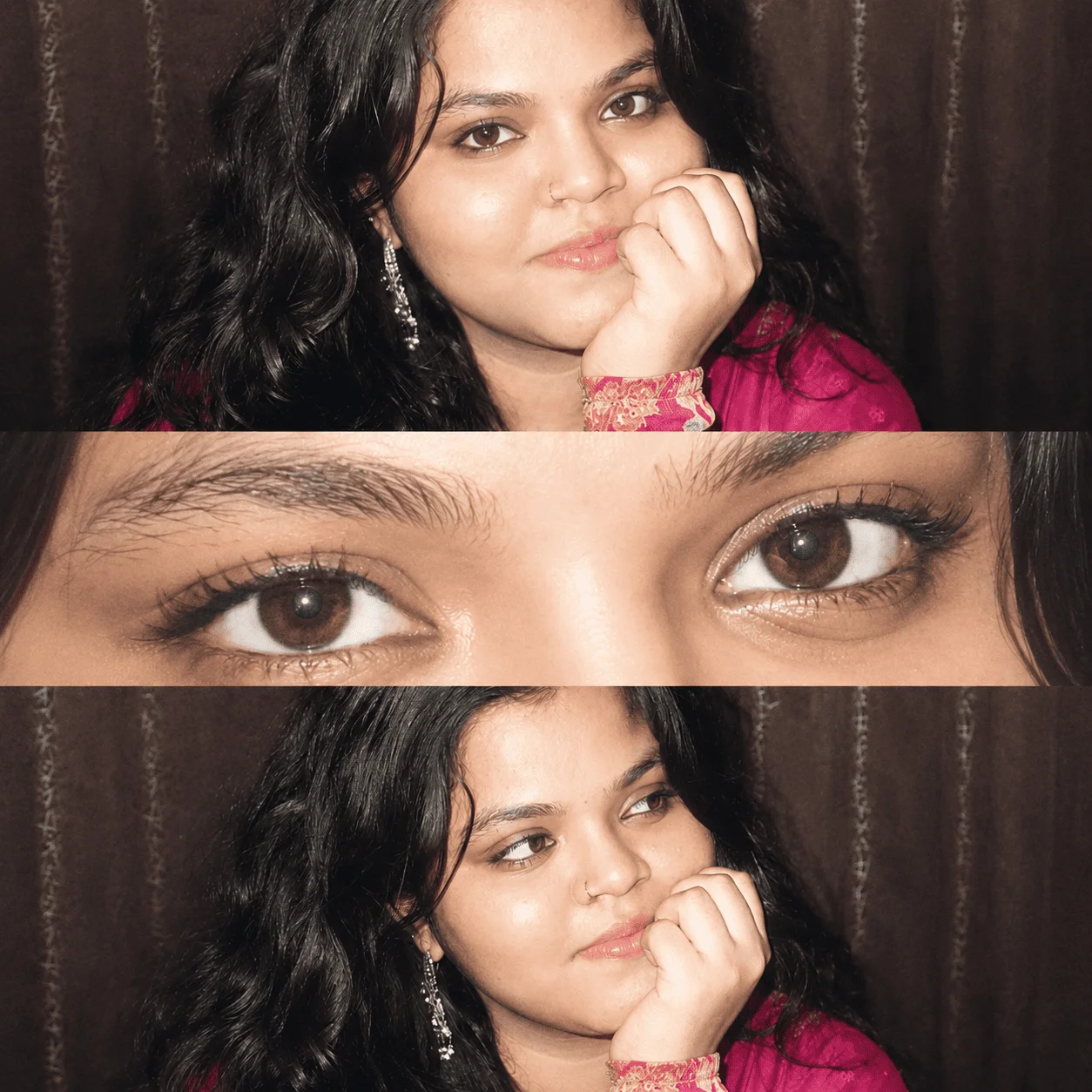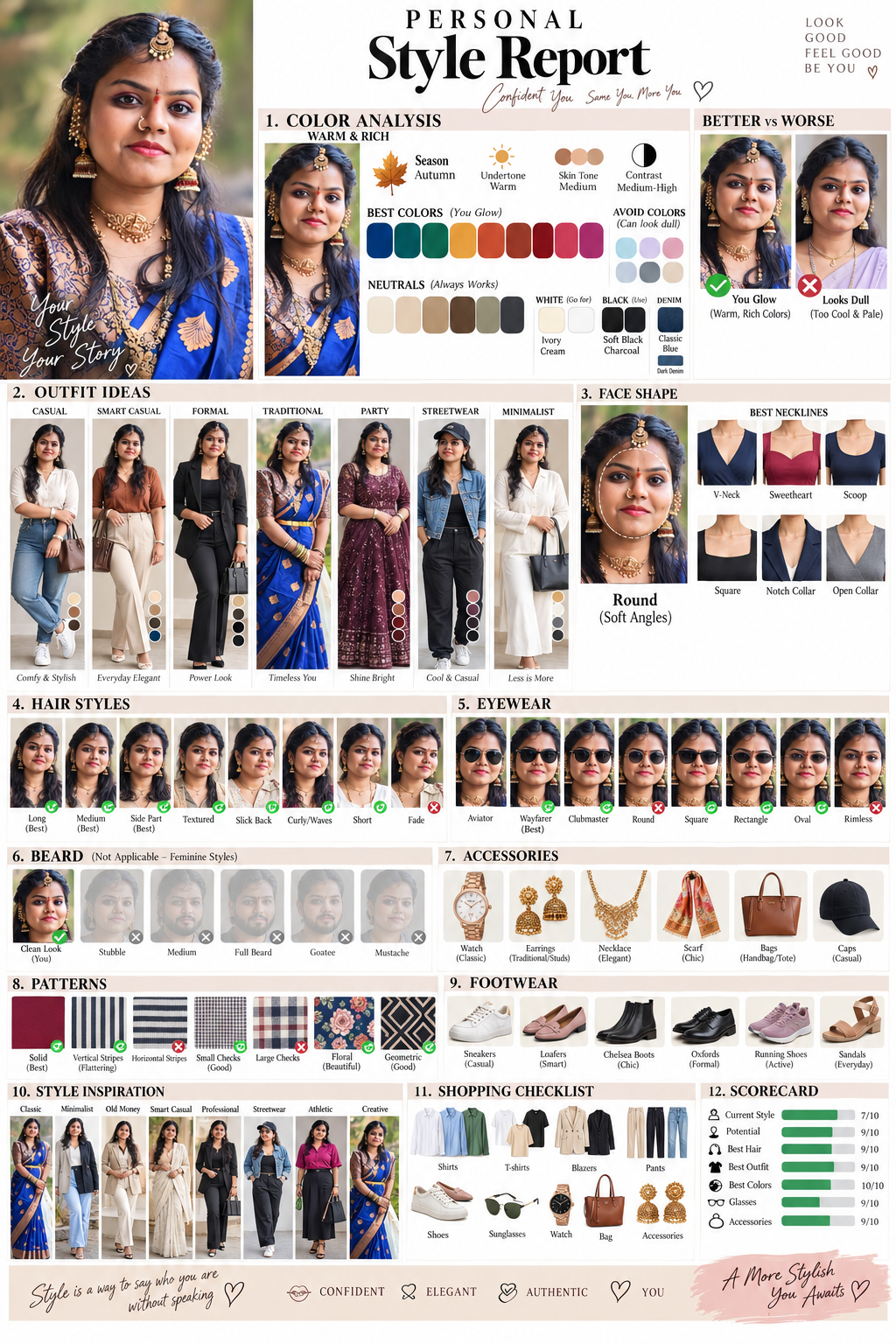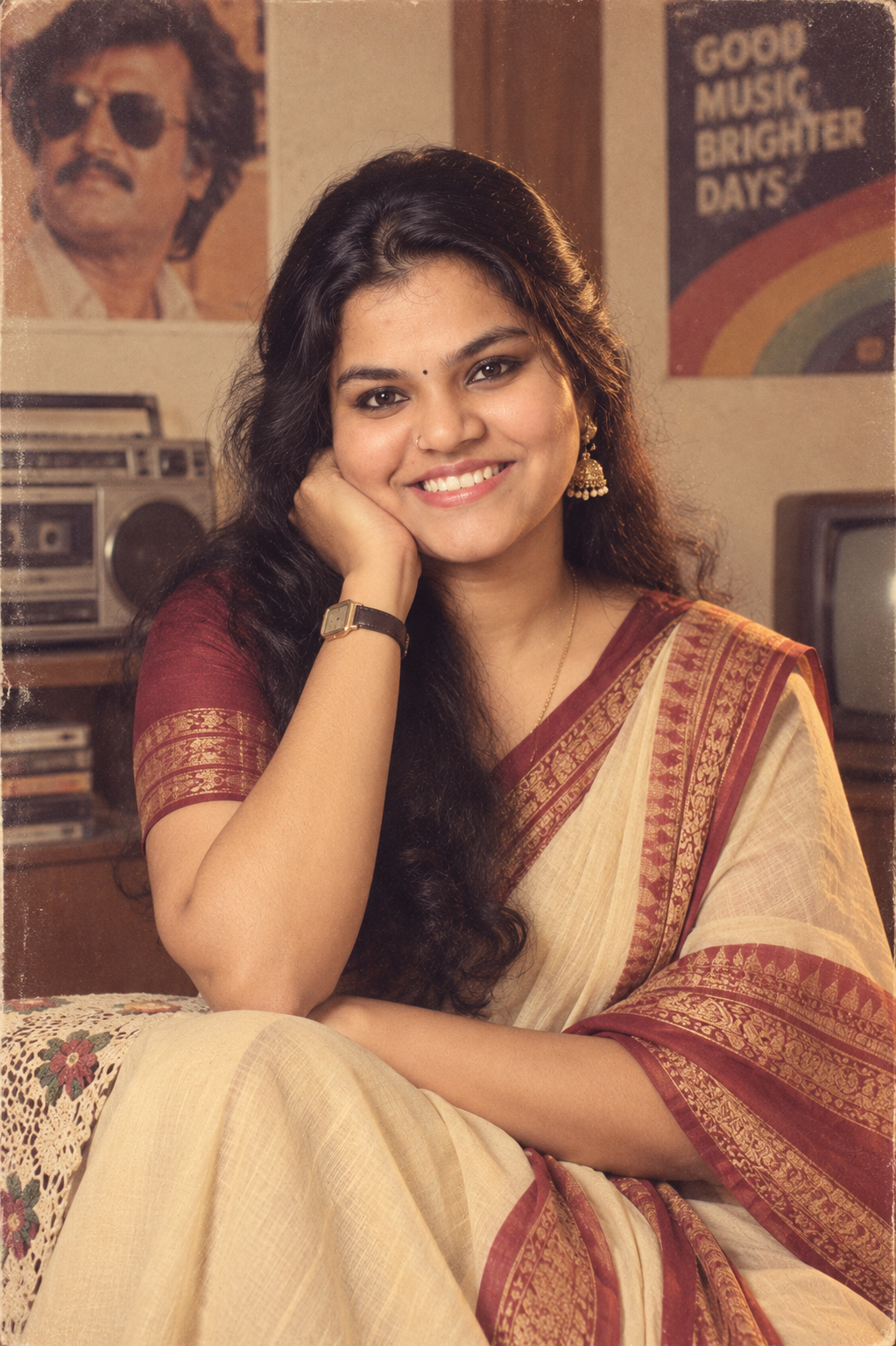
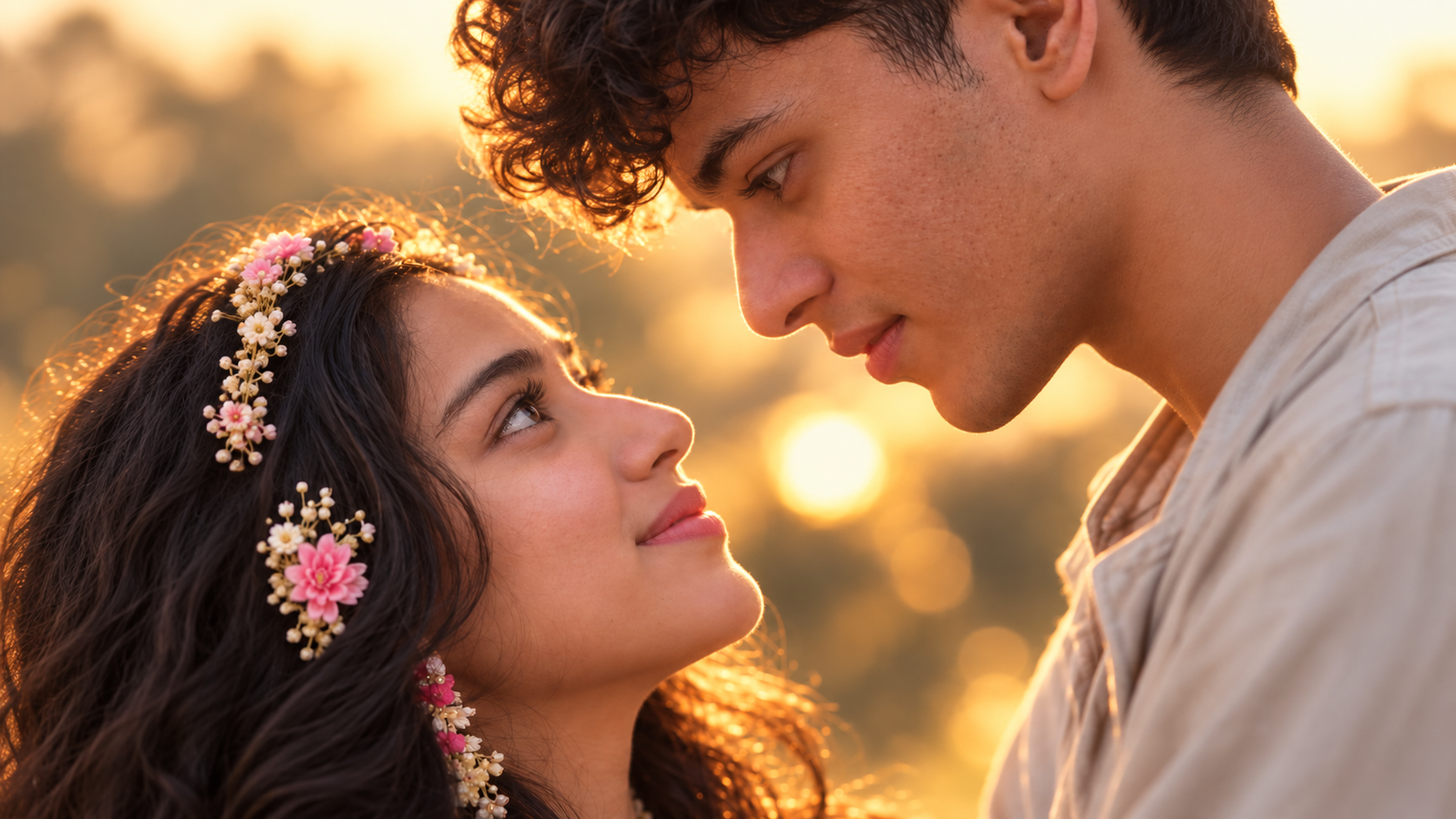
Want to create a stylish couple wallpaper using your own photos? This viral couple wallpaper prompt can help you turn two separate photos into a realistic and cinematic couple portrait using AI.
You can upload photos of both people, paste the prompt, and create a romantic wallpaper with realistic facial details, natural expressions, cinematic lighting and a beautiful background.
The prompt is designed for a vertical 9:16 wallpaper, making the final image suitable for smartphones, Instagram Stories, WhatsApp Status and lock screens.
Here is the viral couple wallpaper prompt you can copy and use with an AI image generation or photo editing tool that supports reference images.
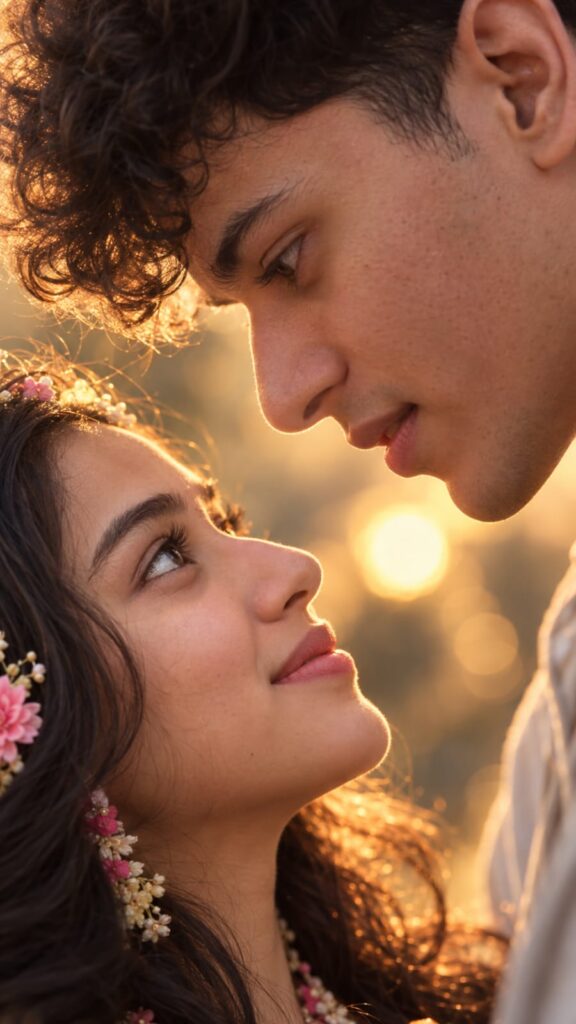
Viral Couple Wallpaper Prompt
How to Create a Couple Wallpaper With AI
Creating a couple wallpaper from your photos only takes a few steps.
1. Choose Two Clear Photos
First, select one good photo of each person.
For better results, use photos where the faces are clearly visible. Avoid images with heavy filters, sunglasses, extreme angles or faces that are partially hidden.
High-quality reference photos generally produce better facial consistency.
2. Upload Both Reference Photos
Open an AI image generator or photo editing tool that supports reference images.
Upload both photos and make sure the AI can use them as visual references.
The reference images are important because they help the AI understand the appearance and facial features of both people.
Copy the viral couple wallpaper prompt from this article and paste it into the AI tool.
The prompt provides instructions for the facial identity, pose, lighting, background, camera style and wallpaper composition.
4. Generate the Wallpaper
Generate the image and check the result.
Pay particular attention to the faces. If the AI changes the facial features too much, generate another version using the same reference photos.
You can also make small changes to the background or pose without changing the main identity instructions.
Best Background Ideas for Couple Wallpapers
One of the easiest ways to create different versions is to change the background.
You can try a romantic sunset, a beach, a city at night or even a traditional Indian setting.
Romantic Sunset
Use warm golden-hour sunlight with a soft sky and subtle background blur.
This creates a classic romantic couple photoshoot look.
Beach Background
Place the couple on a peaceful beach during sunset with gentle waves and warm cinematic lighting.
City Night
Create a stylish night-time city scene with glowing buildings, street lights and colorful bokeh in the background.
Rainy Evening
Add light rain, wet roads and reflections from nearby lights for a more dramatic cinematic appearance.
Mountain Location
Place the couple in a beautiful mountain landscape with natural light, mist and a soft depth-of-field effect.
Traditional Indian Setting
You can also create a premium Indian couple portrait using traditional outfits, warm lighting and an elegant wedding-style background.
How to Make a Couple Wallpaper Look Realistic
The quality of your reference photos has a major impact on the final result.
Instead of relying only on words such as “8K” or “ultra-realistic”, include photographic details that help the AI understand how the image should look.
For a realistic result, focus on:
- Natural skin texture
- Realistic eyes and eye reflections
- Correct facial proportions
- Natural hair details
- Soft directional lighting
- Realistic shadows
- Natural expressions
- Shallow depth of field
- Consistent facial identity
- Professional portrait photography
Avoid adding too many unrelated effects. A simple composition often looks more realistic than an image overloaded with cinematic effects.
How to Keep the Faces Consistent
Facial consistency is one of the most important parts of creating an AI couple wallpaper.
Use clear reference photos and avoid images where the face is covered or heavily edited.
The prompt also specifically asks the AI to preserve important facial characteristics such as the face shape, eyes, nose, lips, hairstyle and skin tone.
If the first result doesn’t look accurate, try generating another version rather than completely changing the prompt.
Make the Wallpaper Suitable for a Phone Lock Screen
If you want to use the generated image as your smartphone wallpaper, the composition matters.
Add the following instruction to the prompt:
This gives the phone interface enough space without covering the couple’s faces.
Why Use a 9:16 Couple Wallpaper?
A 9:16 aspect ratio is ideal for most vertical smartphone content.
It also works well for:
- Phone wallpapers
- Instagram Stories
- Instagram Reels
- WhatsApp Status
- Facebook Stories
- Pinterest Idea Pins
For Instagram feed posts, you can instead create the image in a 4:5 portrait format.
Once you have the basic prompt, you can experiment with different concepts.
Couple Eye Contact
Create a close-up portrait where both people are looking directly into each other’s eyes.
Forehead Kiss
Create a romantic pose where one person gently kisses the other’s forehead.
Walking Together
Place the couple walking together in a beautiful outdoor location with cinematic lighting.
Sunset Silhouette
Create a dramatic sunset scene with the couple standing together against the evening sky.
Pre-Wedding Style
Turn the reference photos into a premium pre-wedding photoshoot with elegant outfits and a beautiful outdoor location.
Cinematic Rain Scene
Create a romantic evening scene with rain, reflections, street lights and a cinematic color grade.
Tips for Better AI Couple Wallpapers
Keep these simple tips in mind before generating your image:
- Use high-quality reference photos.
- Make sure both faces are clearly visible.
- Avoid heavily filtered photos.
- Use reference images with natural lighting whenever possible.
- Keep the main prompt unchanged while testing different backgrounds.
- Generate multiple versions and choose the most realistic result.
- Check the faces carefully before using the final wallpaper.
- Use 9:16 for smartphone wallpapers.
The most important factor is the quality of your reference images. A detailed prompt cannot completely compensate for a poor or unclear reference photo.
Frequently Asked Questions
A viral couple wallpaper prompt is a detailed AI instruction that can be used to create a romantic couple wallpaper from reference photos. It describes the couple’s appearance, pose, lighting, background and image composition.
Can I use my own photos?
Yes. You can upload clear photos of both people as reference images and use the prompt to create a new couple composition.
What is the best size for a couple wallpaper?
For smartphones, 9:16 is a good choice because it fits most vertical phone screens and also works well for Stories and Status updates.
How do I stop AI from changing the face?
Use clear reference photos and include detailed facial identity instructions in your prompt. If the first result changes the face, generate another version using the same references.
Can I change the background?
Yes. You can change the background to a beach, sunset, city, garden, mountains, wedding venue or any other location you prefer.
Can I use this prompt for Instagram?
Yes. The 9:16 version works particularly well for Instagram Stories and Reels. You can also modify the aspect ratio to 4:5 for an Instagram feed post.
Final Words
Creating a stylish couple wallpaper no longer requires a professional photoshoot. With two clear reference photos and the right viral couple wallpaper prompt, you can create realistic romantic portraits in different styles.
Try different backgrounds, poses and lighting while keeping the facial identity instructions in the prompt. For the best results, start with high-quality reference photos and generate several versions before choosing your favorite.