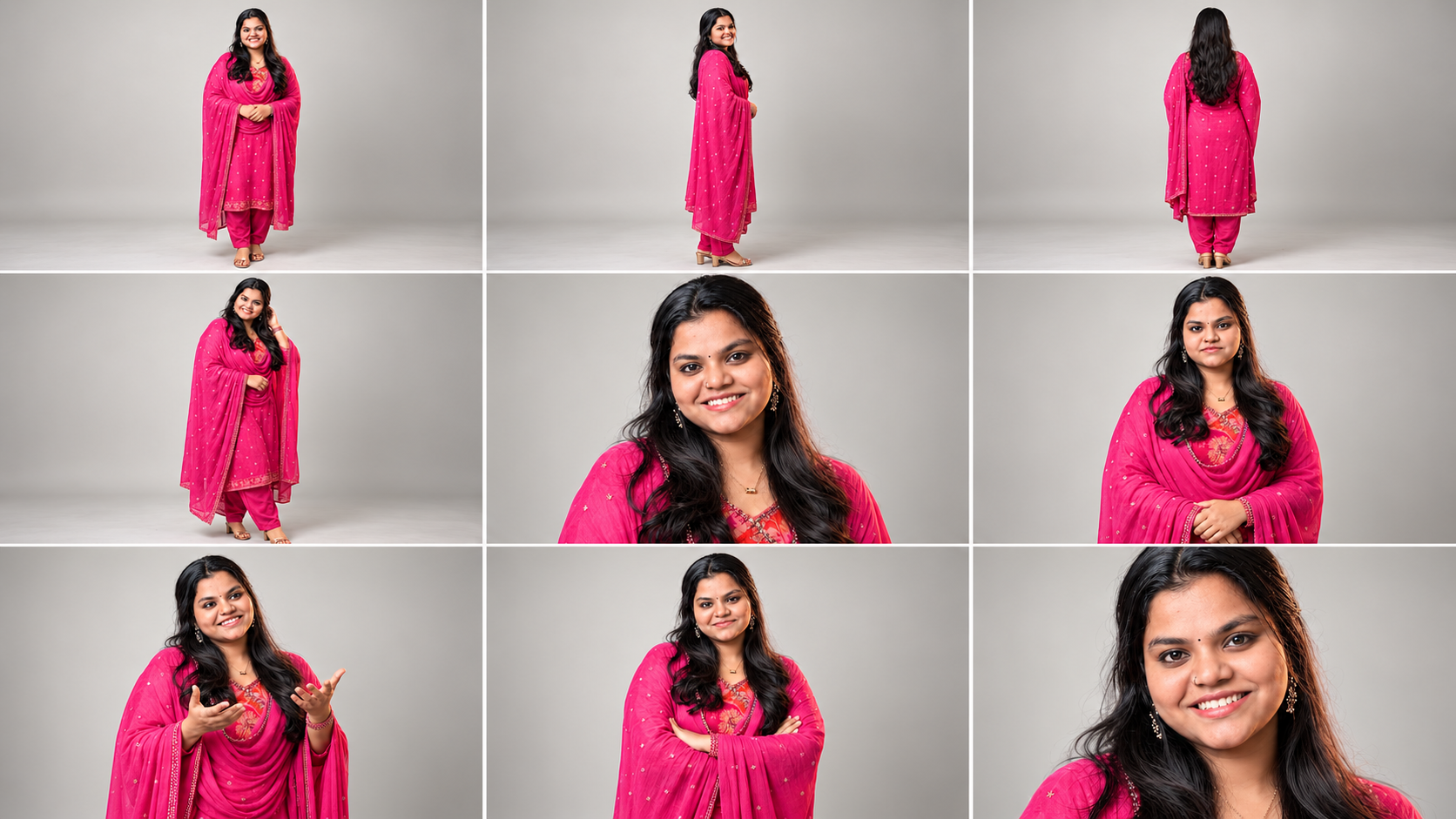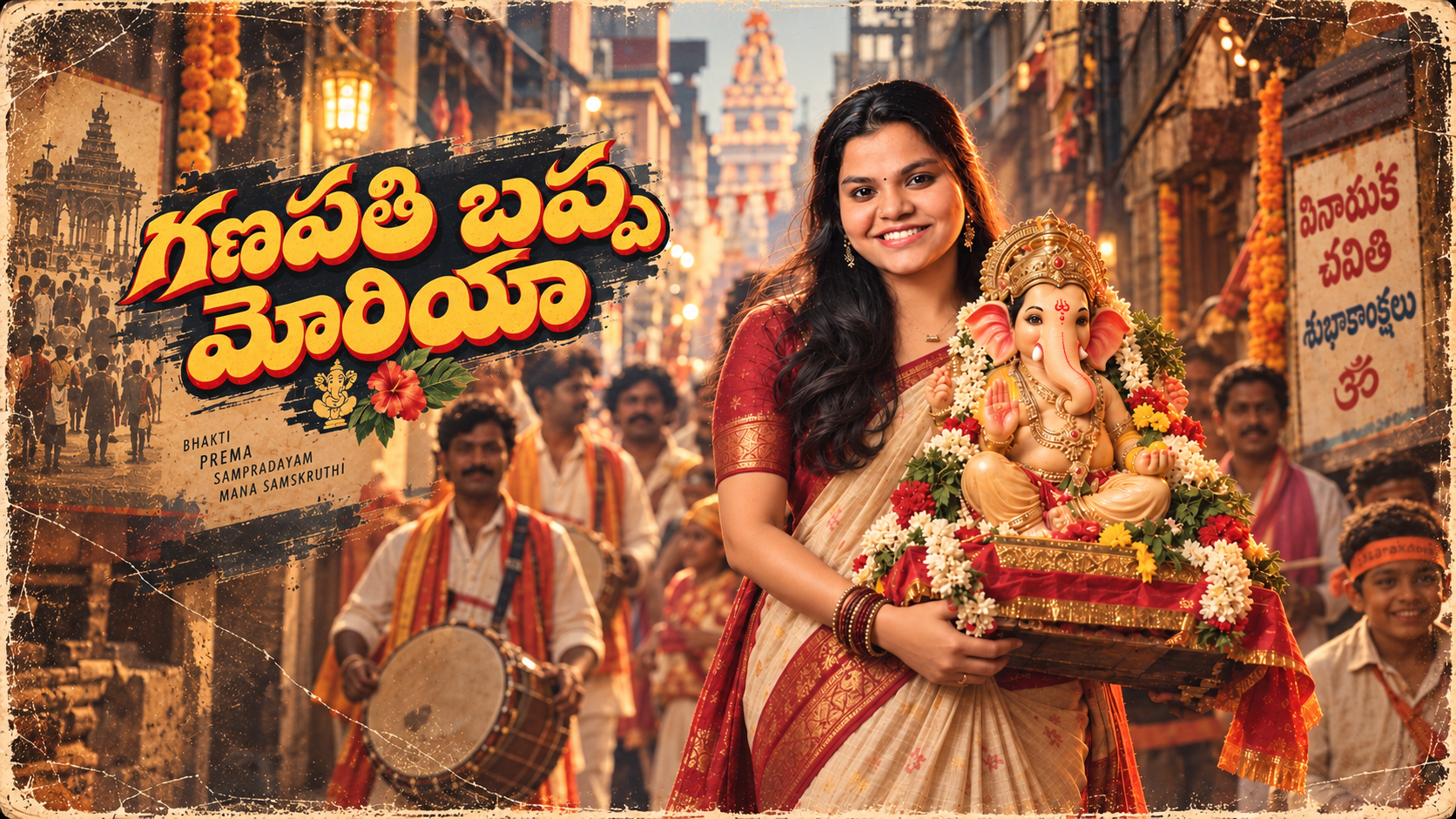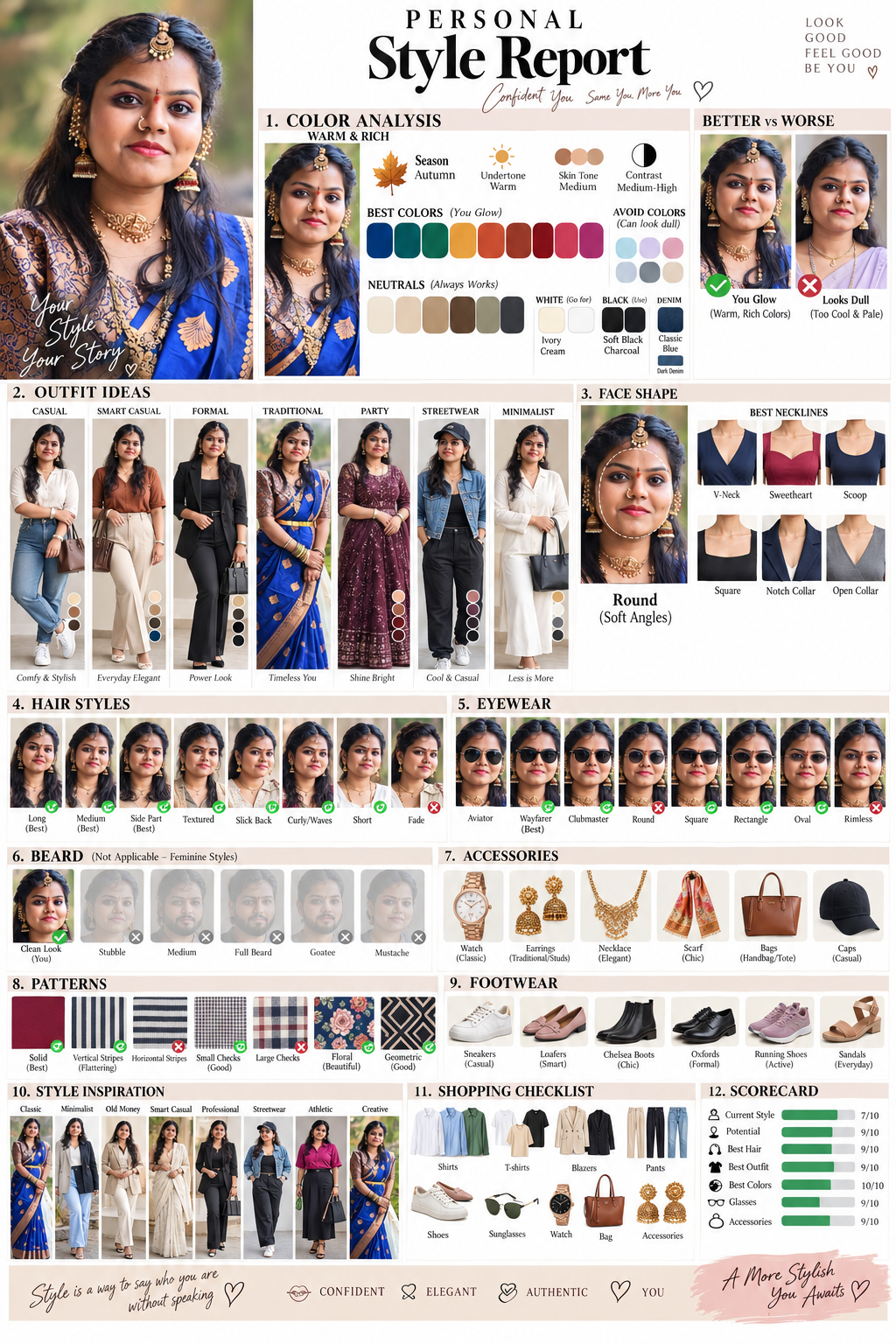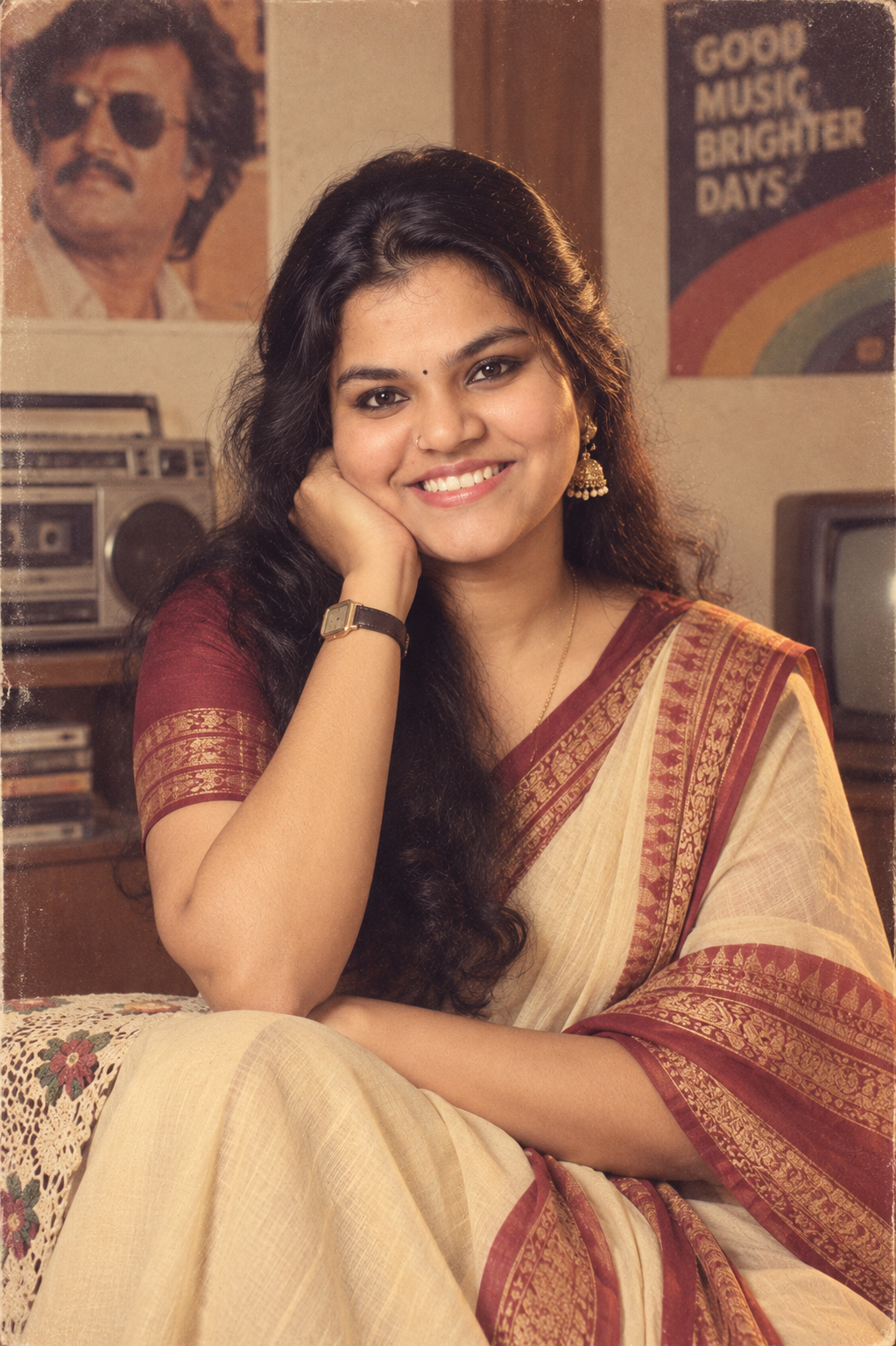
Dreamy Girl and Boy AI Photo Prompt: 7-Step Y2K Look
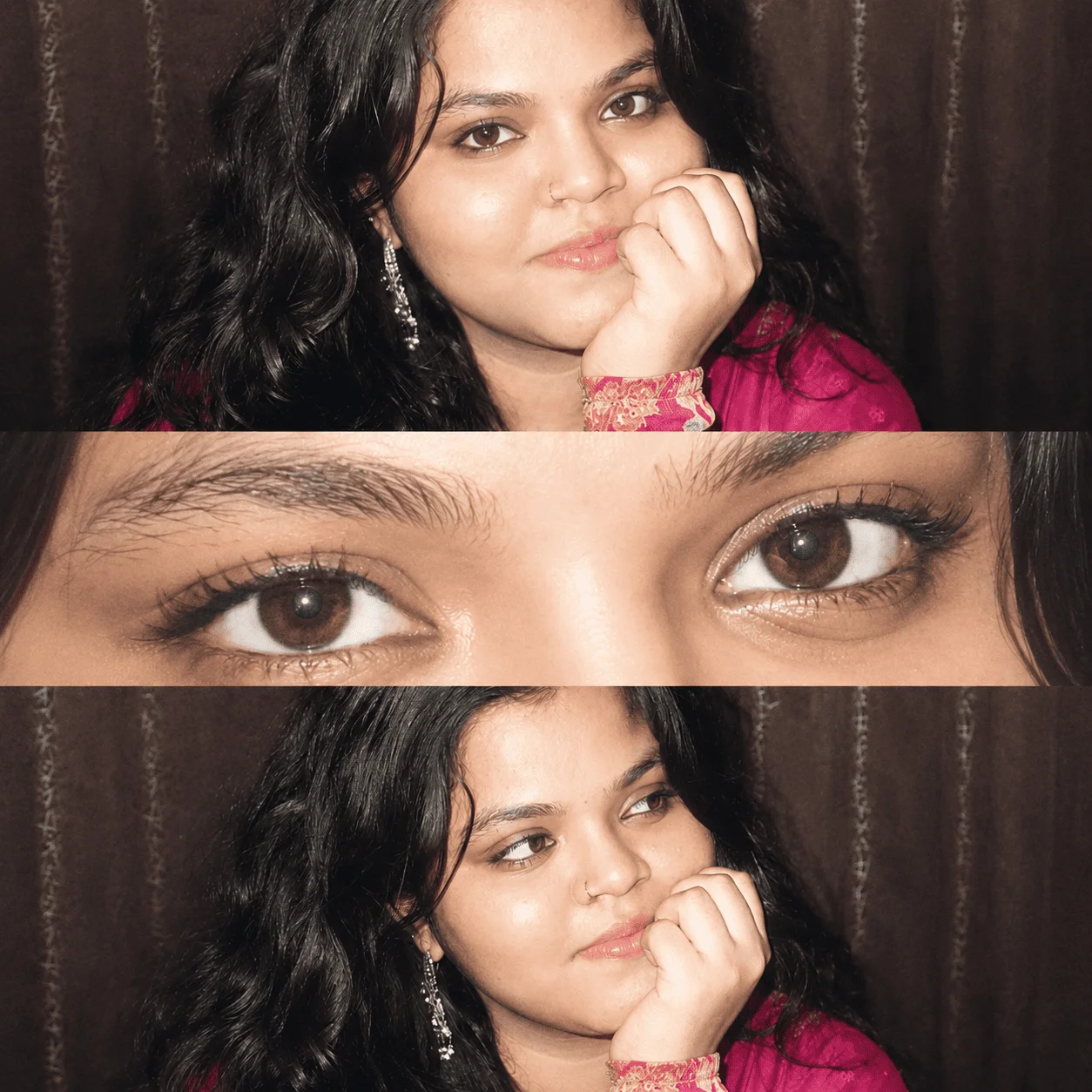
The Dreamy Girl and Boy AI Photo Prompt is a simple way to recreate the popular Y2K-inspired flash photography style using an AI image generator. This trend combines direct camera flash, soft vintage colors, glossy skin, subtle film grain, and editorial-style compositions to create a nostalgic early-2000s photography look.
The prompt can be used for both girl and boy portraits. Instead of creating a completely different person, the instructions are designed to keep the uploaded reference face consistent while changing the photography style, pose, lighting, framing, and overall mood.
If you have seen those dreamy Instagram portraits with strong flash, soft skin tones, close-up eyes, and vintage colors, this is the kind of visual style this prompt is designed to recreate.
What Makes This Dreamy Girl and Boy AI Photo Prompt Different?
The main focus is not simply adding a “Y2K” filter. The prompt describes specific photography characteristics that help the AI understand the desired result.
It combines direct on-camera flash, high exposure, low contrast, soft highlights, subtle grain, warm pale colors, and a slightly faded finish. These details help produce a more convincing vintage digital-camera aesthetic.
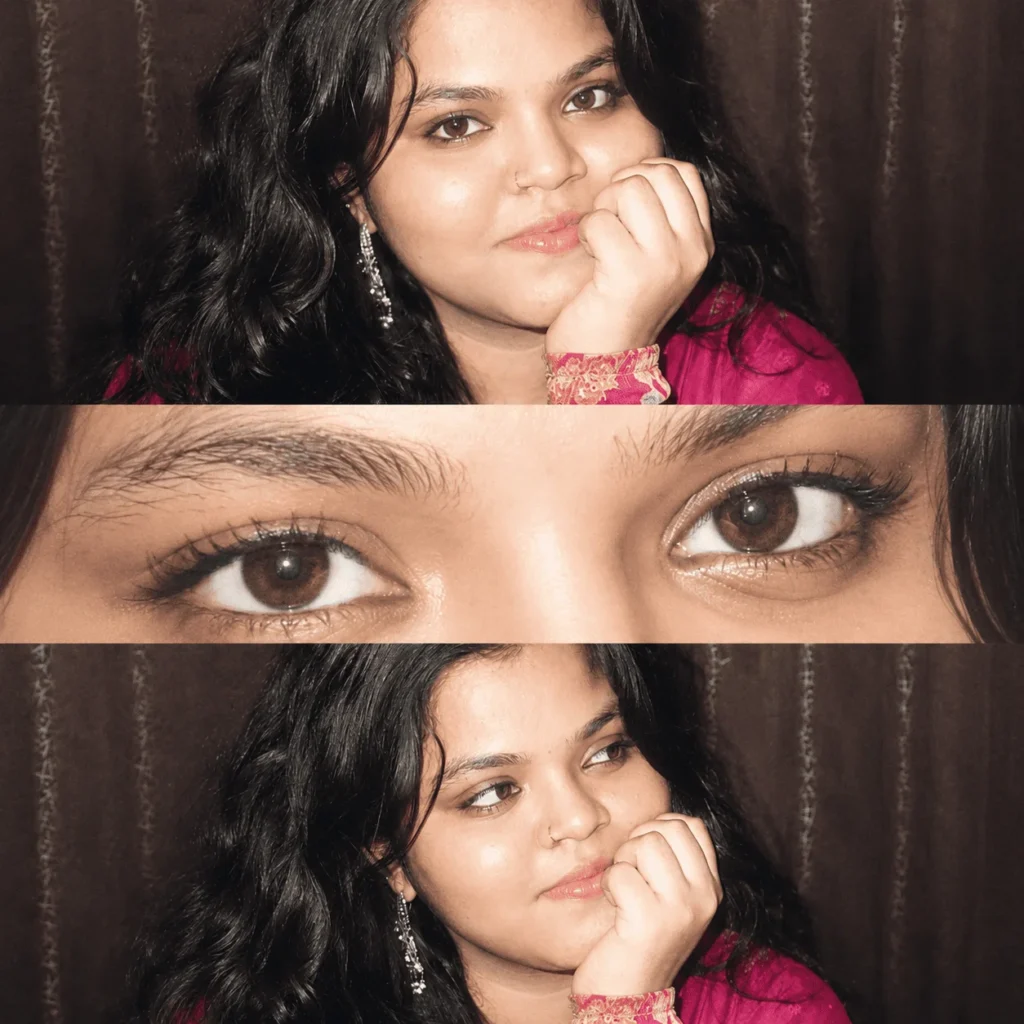
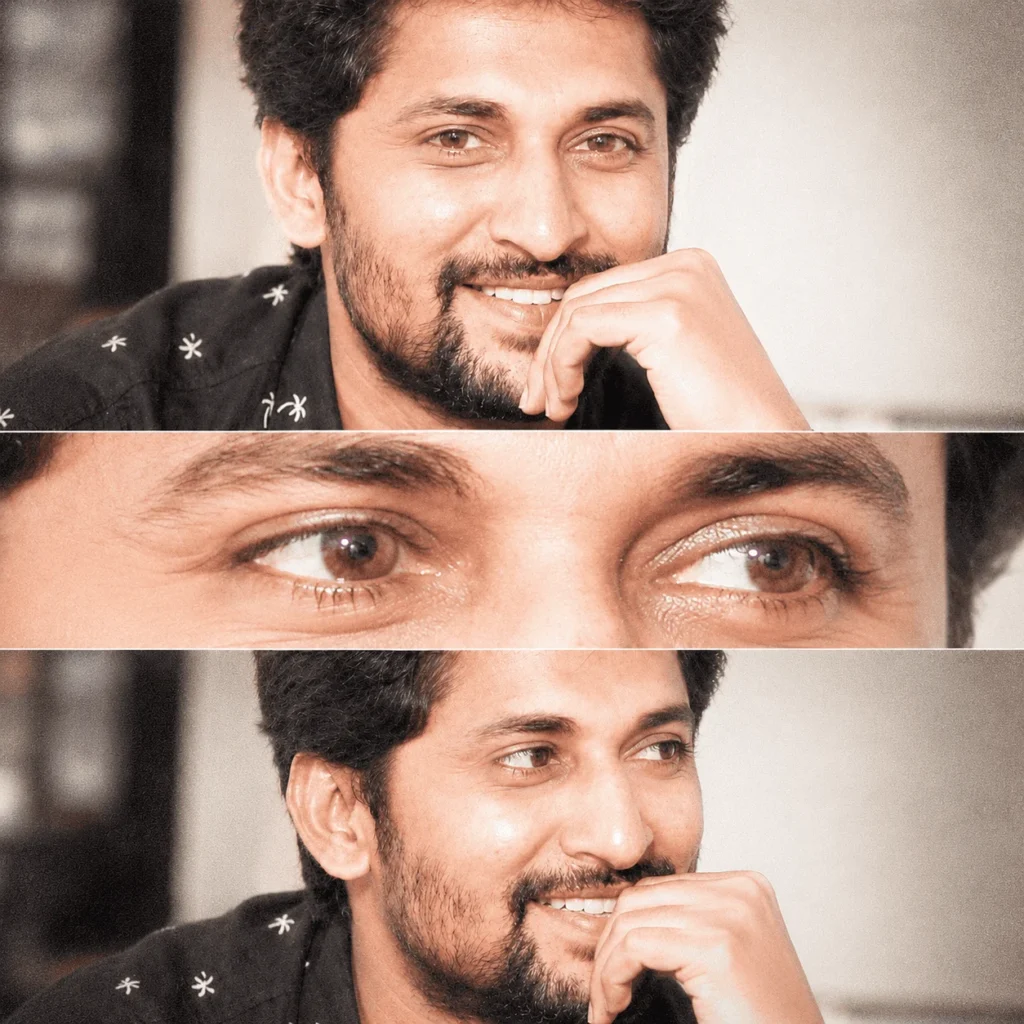
The composition is also important. Instead of generating one standard portrait, the prompt creates a three-panel vertical collage.
The first panel establishes the main portrait.
The second panel moves into an extreme close-up of the eyes.
The third panel creates another portrait with a slightly different crop and direction of gaze.
This variation makes the final image look more like a styled photography editorial rather than three identical AI portraits.
How to Use the Dreamy Girl and Boy AI Photo Prompt
Before using the prompt, choose a good reference photograph. Your input image has a major impact on the final result.
1. Choose a Clear Reference Photo
Use a high-resolution image where the face is clearly visible. Avoid extremely dark photos, heavy beauty filters, blurry images, or photographs where the face is partially hidden.
A clean portrait gives the AI more facial information to work with.
2. Upload Your Photo
Open an AI image generator that supports image uploads or reference images.
Upload the portrait you want to use as the facial reference.
3. Copy the Complete Prompt
Copy the prompt from the dedicated prompt box below this section.
The prompt contains instructions for the facial reference, pose, three-panel composition, flash lighting, skin texture, color grading, and vintage photography effect.
4. Generate the Image
Generate the image and carefully check the result.
Pay particular attention to the eyes, face shape, nose, lips, hair, and other defining facial characteristics. AI tools can sometimes reinterpret these details when changing the pose or camera angle.
5. Generate Again if Necessary
If the first result doesn’t match the reference closely enough, try another generation using the same reference image.
Changing the reference photo can sometimes make a bigger difference than changing the prompt itself.
Copy the Dreamy Girl AI Photo Prompt
Dreamy Girl Prompt
Copy the Dreamy Men AI Photo Prompt
Tips for a Better Y2K AI Photo
For the best result, start with a natural photograph instead of an already heavily edited image.
A front-facing reference photo usually provides enough information for the AI to understand the person’s facial structure. Good image quality is particularly important when the final composition includes an extreme close-up of the eyes.
You can also experiment with different outfits, hairstyles, expressions, and backgrounds while keeping the main flash photography instructions unchanged.
If you want a stronger Y2K feel, keep the direct flash, warm pale tones, subtle grain, low contrast, creamy whites, and faded color grading. These elements contribute more to the aesthetic than simply adding the word “vintage.”
For both girls and boys, the same basic workflow applies. Upload the reference image, use the complete prompt, generate the result, and make additional generations if the facial consistency needs improvement.
Why Does the AI Image Look Like a Real Flash Photograph?
The photography instructions in this prompt are designed to recreate characteristics commonly associated with direct-flash photography.
Strong flash creates bright highlights and relatively flat shadows. High exposure produces the slightly blown-out appearance, while low contrast and soft diffusion reduce the harshness of the image.
The subtle film grain and faded color treatment then add a nostalgic photography texture.
Combining these elements gives the image a more authentic Y2K flash photography aesthetic instead of the overly polished appearance often seen in generic AI portraits.
Can Girls and Boys Use This AI Prompt?
Yes. The Dreamy Girl and Boy AI Photo Prompt is designed as a general portrait concept rather than being restricted to one gender.
The facial reference image determines the person being represented. The AI can then apply the requested composition, lighting, color treatment, and photography style.
For better consistency, avoid combining multiple unrelated reference faces in the same generation unless your chosen AI tool specifically supports that workflow.
Save This Prompt for Later
If you like the result, save the prompt somewhere you can access it again. AI photography trends change quickly, and the same prompt can also be adapted for different outfits, poses, backgrounds, and portrait styles.
Prompt Code: DREAMDUO
If you are coming from our Instagram Reel, simply search DREAMDUO on the Sahasra Tech website to find this prompt quickly.
This prompt is modified by Sahasra Tech.
For more AI photo prompts, viral AI trends, smartphone tips, and useful technology content, follow Sahasra Tech on Instagram.
For more tech & AI updates
Follow @sahasra.tech