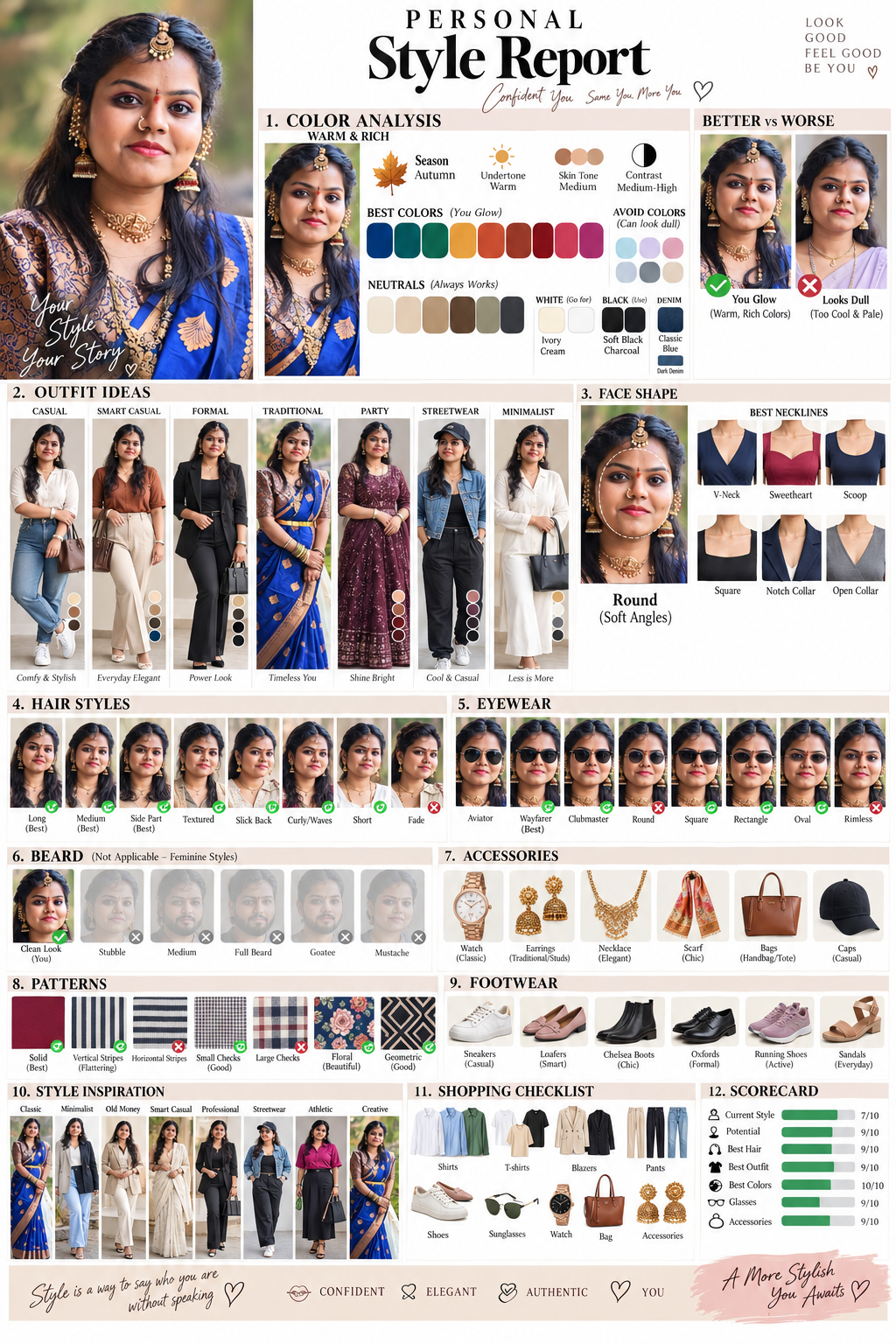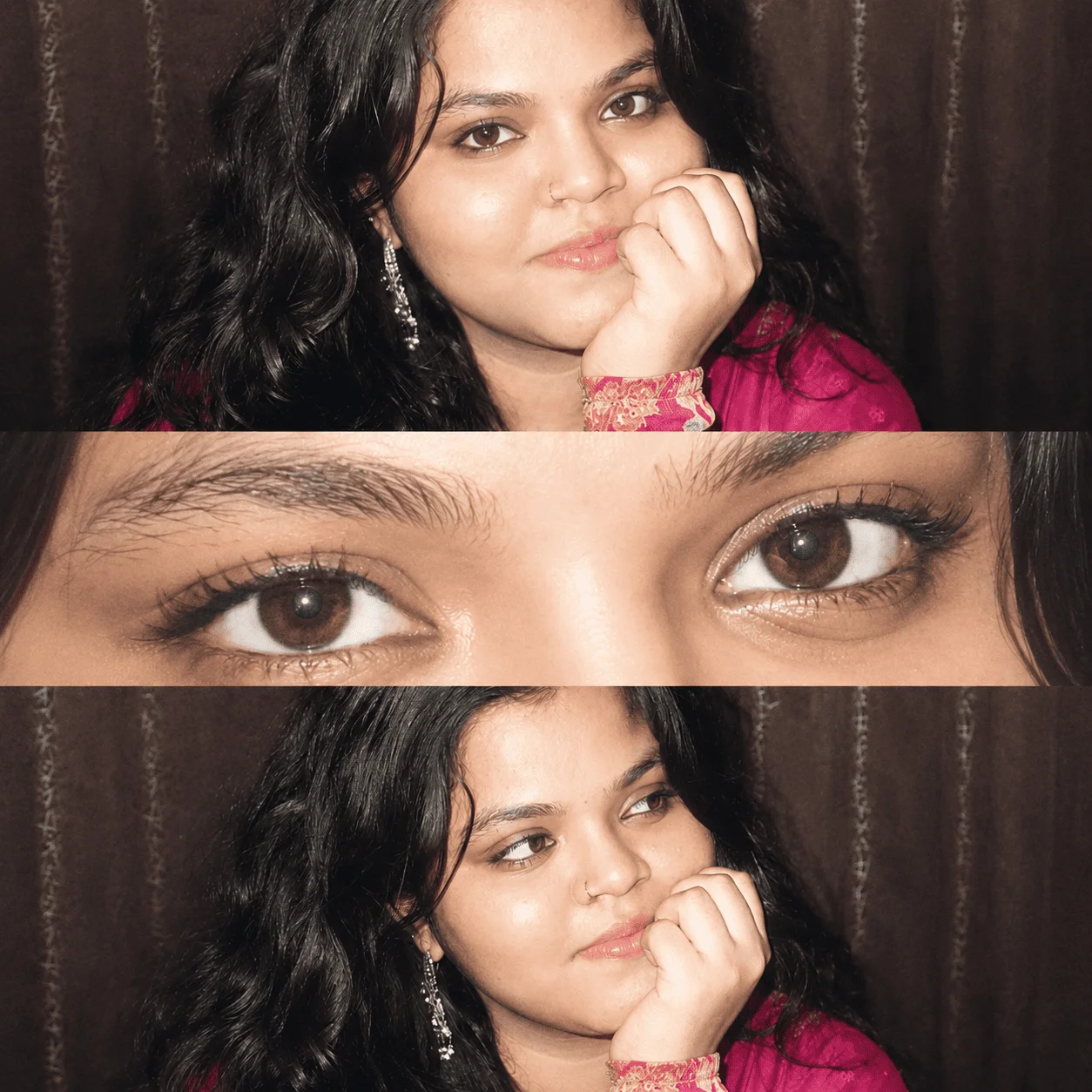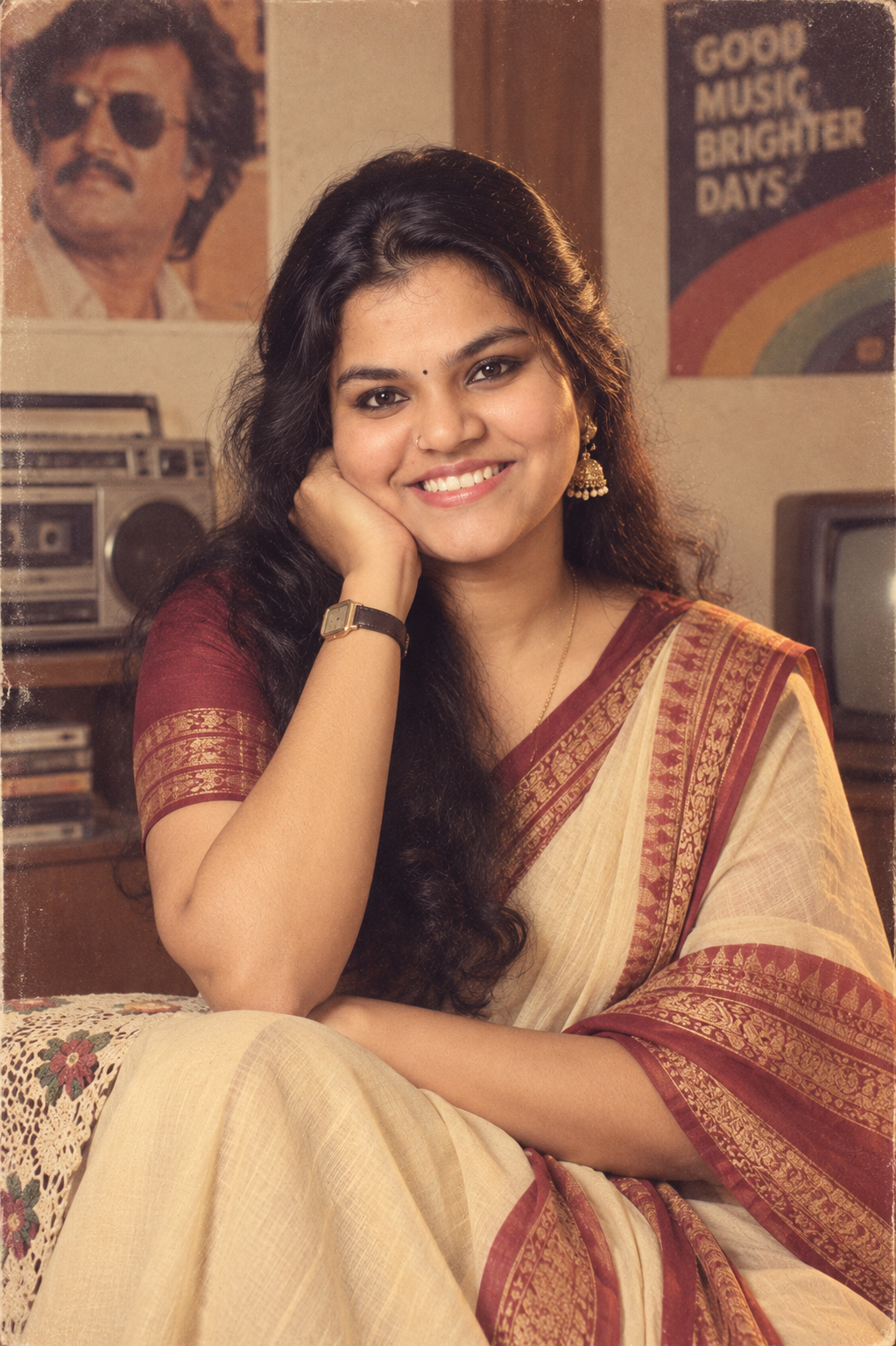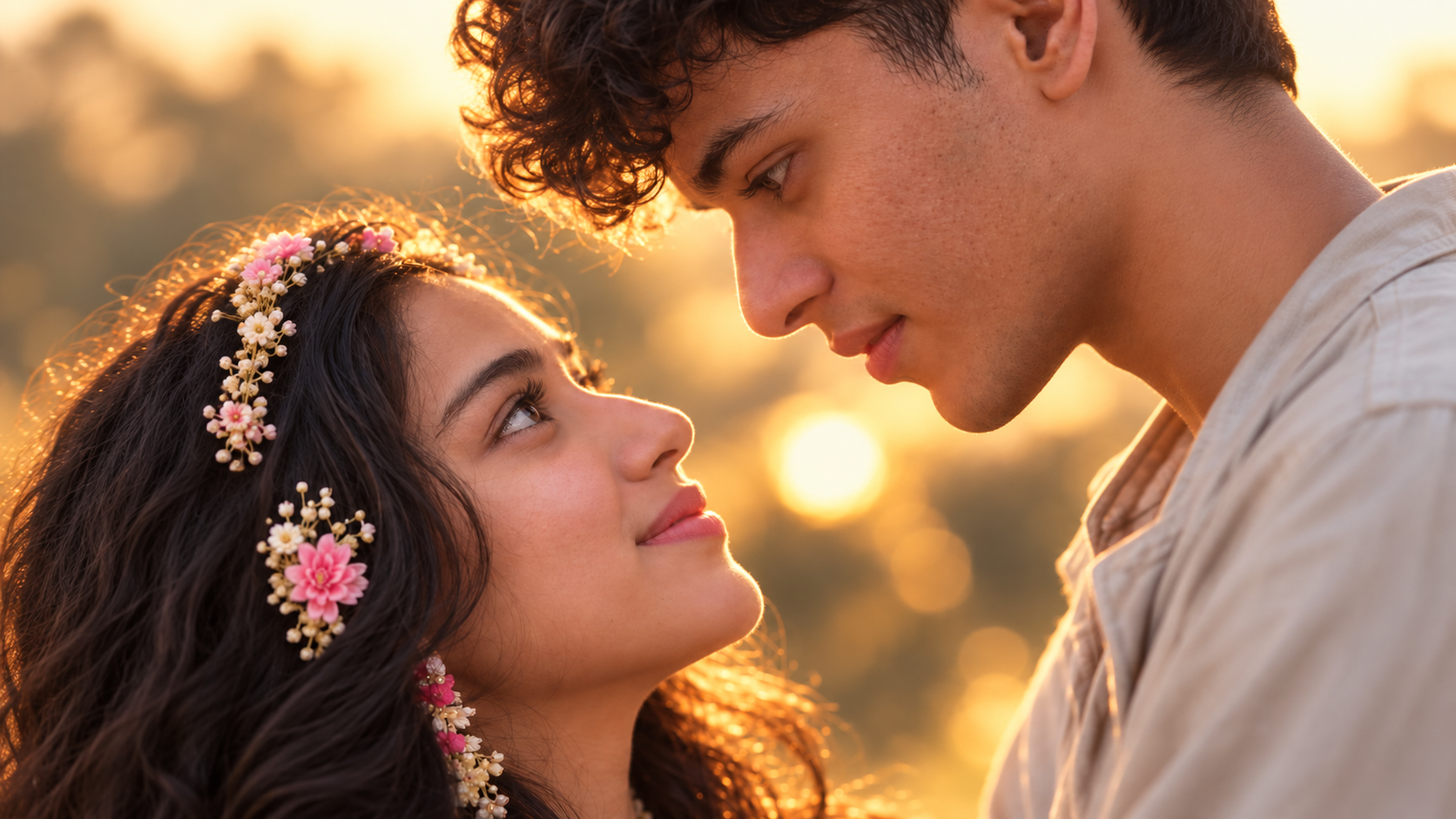
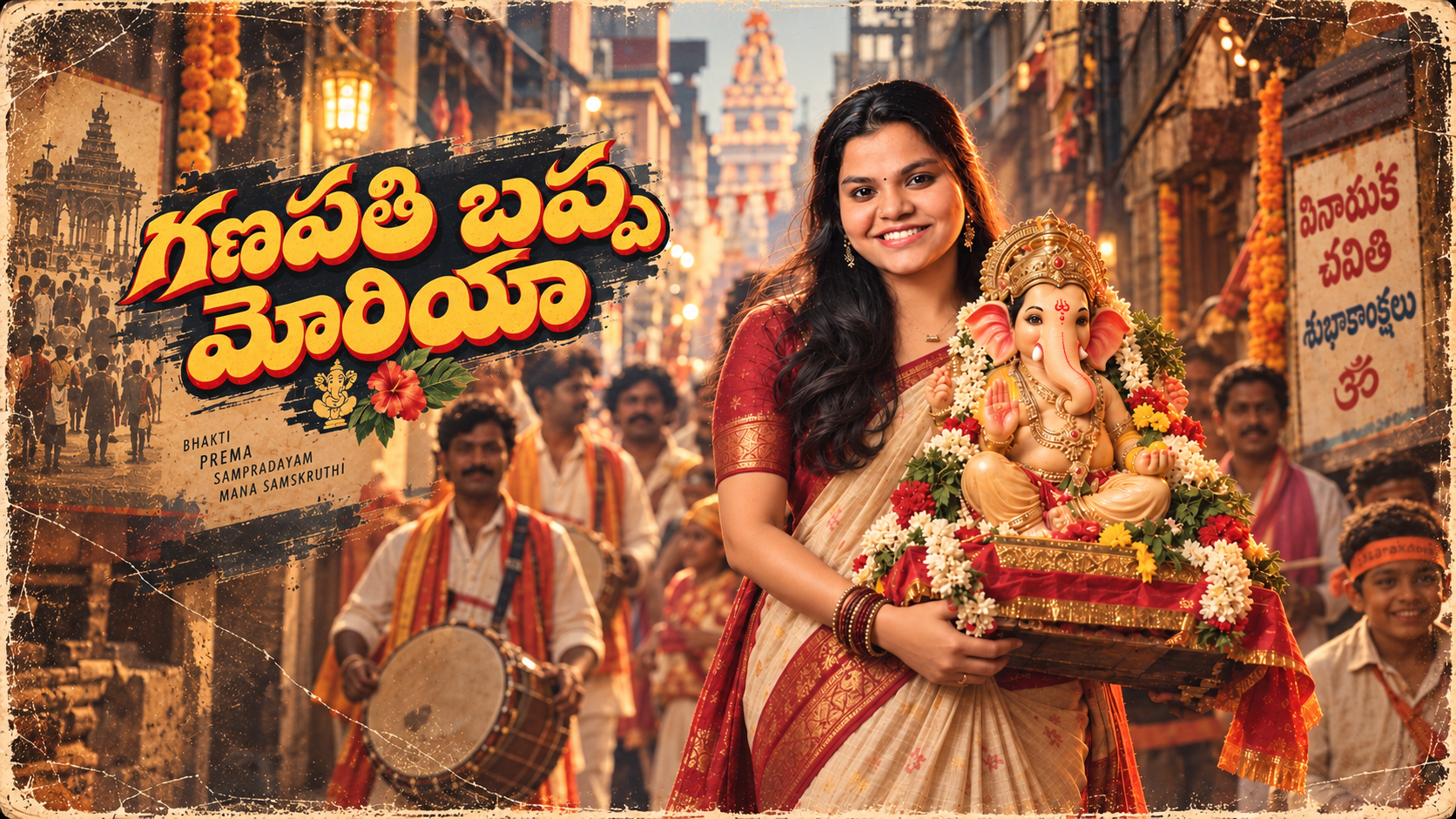
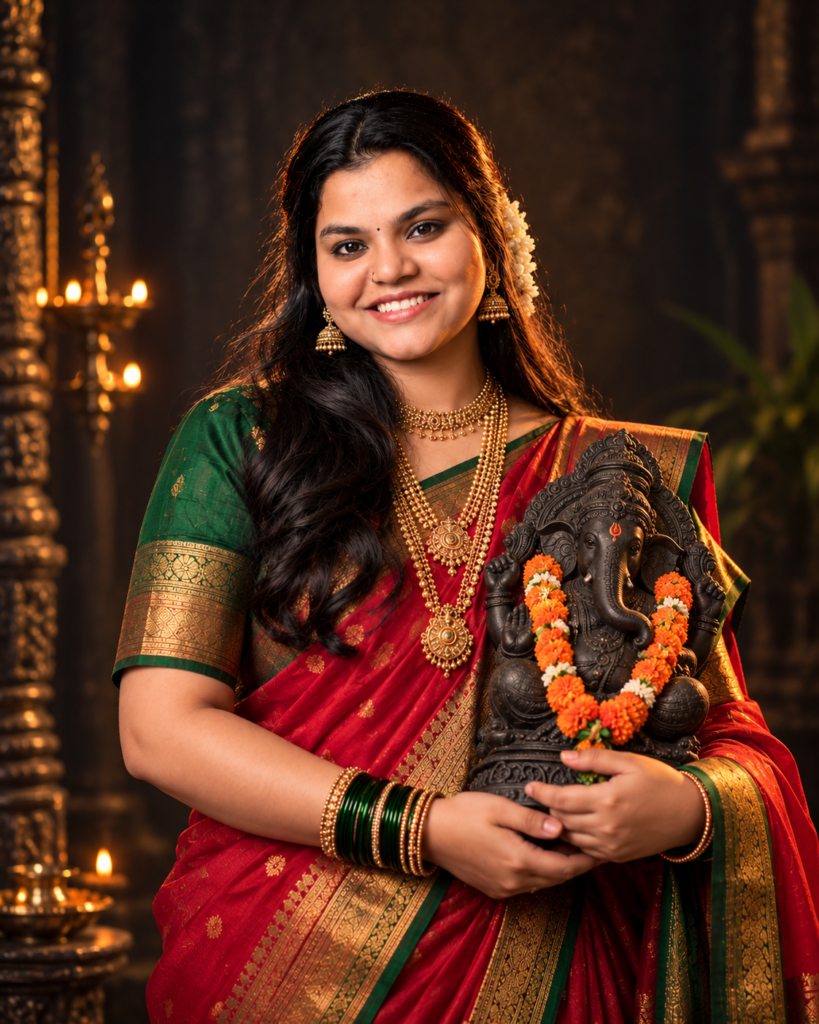
Looking for viral Ganesh Chaturthi AI prompts to create a unique festive photo? This prompt can turn a simple portrait into a cinematic Ganesh Chaturthi-themed image with traditional Maharashtrian styling, a Nauvari saree, gold jewellery and a detailed Lord Ganesha idol.
The concept is designed for a 4:5 portrait frame, making it suitable for Instagram posts, WhatsApp status images, festival greetings and social-media content.
Instead of using a generic Ganesha background, the prompt creates a more editorial, fine-art look with dramatic lighting and a dark textured setting.
Viral Ganesh Chaturthi AI Prompt
Copy the prompt below and use it with an AI image generator that supports detailed image prompts and, if needed, reference images.
Viral Ganesh Chaturthi Prompts
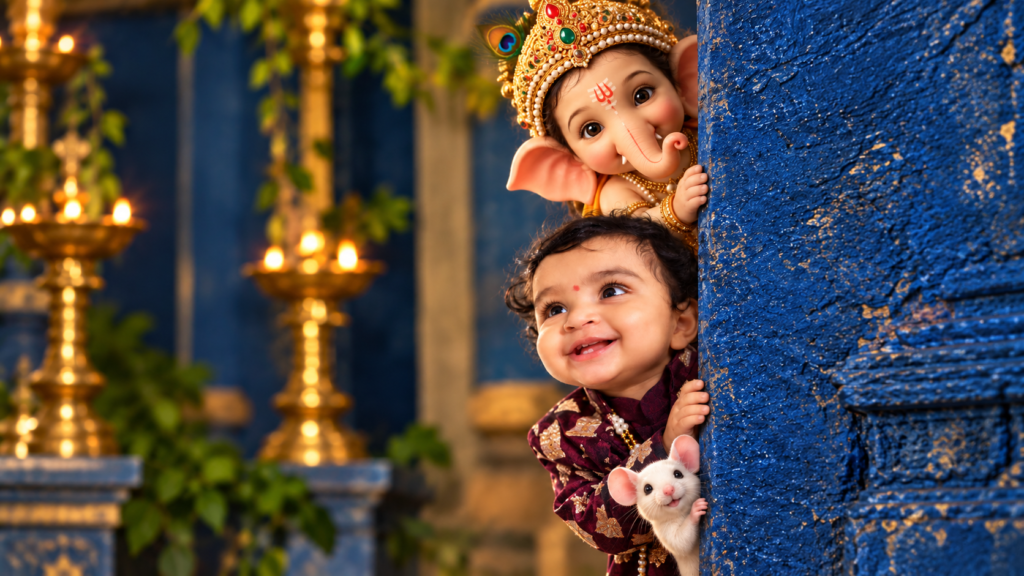
Prompt 2
Prompt 3
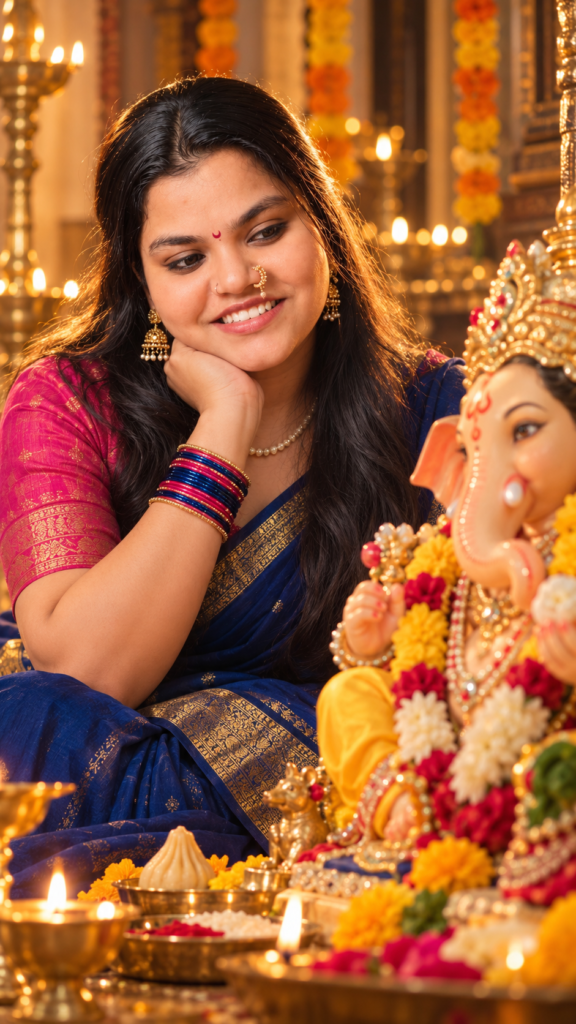
Ganesha Prompt 4
Prompt 5
Prompt 6
Prompt 7
Prompt 8
Why This Ganesh Chaturthi Prompt Is Different
Most basic Ganesh Chaturthi AI prompts focus only on placing a person next to a Ganesha idol.
This prompt goes further by controlling the complete visual direction:
- Traditional Maharashtrian clothing
- Red-and-green Nauvari saree
- Golden zari detailing
- Layered gold jewellery
- Jhumka earrings
- Colorful glass bangles
- Dark stone Ganesha idol
- Miniature orange garland
- Fine-art studio photography
- Cinematic low-key lighting
- Dark textured background
- Shallow depth of field
- 4:5 portrait composition
The result is intended to look more like a professionally photographed festival portrait than a basic AI-generated greeting image.
How to Create the Ganesh Chaturthi AI Photo
Step 1: Choose a clear reference photo
If your AI tool supports reference images, start with a clear portrait.
For better facial consistency:
- Use a sharp image.
- Keep the face unobstructed.
- Avoid extreme filters.
- Use a photo with good facial visibility.
- Avoid sunglasses or large accessories covering the face.
The reference photo should establish the person’s identity. The prompt should control the festive styling.
Step 2: Paste the prompt
Copy the complete viral Ganesh Chaturthi AI prompt above and paste it into your preferred AI image-generation tool.
Do not remove the important composition instructions unless you specifically want a different style.
Step 3: Select a 4:5 ratio
Choose 4:5 when the platform offers aspect-ratio controls.
This works particularly well for Instagram feed posts because the frame gives enough vertical space for the face, jewellery, saree and Ganesha idol.
Step 4: Generate and review
Don’t immediately accept the first result.
Check:
- Facial identity
- Hands and fingers
- Saree draping
- Jewellery
- Ganesha idol
- Body proportions
- Background
- Lighting
- Overall framing
If something looks wrong, adjust that specific element instead of rewriting the entire prompt.
Best Settings for a Viral-Style Ganesh Chaturthi Portrait
There is no universal AI setting that guarantees a viral image. Different generators interpret prompts differently.
However, the visual direction should generally be:
| Setting | Recommended direction |
|---|---|
| Aspect ratio | 4:5 |
| Composition | Upper-body portrait |
| Lighting | Low-key cinematic |
| Contrast | High |
| Background | Dark and textured |
| Depth of field | Shallow |
| Style | Fine-art photography |
| Skin | Natural and realistic |
| Clothing | Traditional Maharashtrian |
| Main subject | Girl + Ganesha idol |
The important point is composition, not simply adding more descriptive words.
How to Keep the Face Consistent
When using a personal reference photo, one of the biggest problems with AI portraits is identity drift.
The generated person may have a similar appearance but different facial proportions.
To reduce this:
- Use one strong reference image.
- Keep the face clearly visible.
- Don’t overload the prompt with facial modifications.
- Avoid instructions such as “change facial structure.”
- Ask for natural facial features.
- Keep the original identity while changing clothing and environment.
The goal is to transform the styling, not replace the person’s identity.
Make the Maharashtrian Look More Authentic
The Nauvari saree is one of the defining elements of the concept.
Nauvari refers to a traditional nine-yard Maharashtrian saree style, with a distinctive draping method that differs from the conventional saree. Its Kashta-style drape is particularly recognizable.
For a stronger traditional appearance, keep the prompt specific rather than simply writing “Indian traditional dress.”
The combination of:
Nauvari saree + zari border + gold jewellery + jhumkas + glass bangles
gives the AI model a much clearer visual direction.
Why the Dark Cinematic Background Works
A bright festival background can make the image look like a standard greeting card.
The dark background does the opposite.
It creates separation between the subject and surroundings while allowing the red, green and gold clothing to stand out.
The lighting also creates a stronger contrast around the face and Ganesha idol.
For this particular concept, avoid adding too many:
- Flowers
- Diyas
- Decorative lights
- Text elements
- Temple objects
- Background characters
Too much detail can destroy the portrait’s visual hierarchy.
Viral Ganesh Chaturthi Prompt Variations
You can use the same basic concept to create several different festive images.
1. Royal Maharashtrian Ganpati Portrait
Change the visual direction toward a luxurious heritage portrait.
Use richer gold jewellery, deeper fabric tones, dramatic side lighting and a sophisticated studio background.
2. Traditional Ganesh Chaturthi Festival Look
Replace the completely dark studio background with a subtle festive environment featuring warm diya lighting and restrained floral decoration.
Keep the subject in focus.
3. Golden Temple-Style Portrait
Use warm golden illumination with a subtle traditional architectural background.
This creates a devotional and ceremonial appearance without making the image overly busy.
4. Minimalist Ganpati Portrait
Remove most background elements.
Keep only:
- The girl
- Nauvari saree
- Jewellery
- Ganesha idol
- Dark background
- Dramatic lighting
This is a good option if you want a premium editorial appearance.
Negative Prompt for Better Results
If your AI tool supports negative prompts, try the following:
Common Problems With Ganesh Chaturthi AI Prompts
The AI changes the person’s face
This is usually an identity-consistency problem.
Fix: Use a stronger reference image and reduce unnecessary instructions about facial appearance.
The saree looks incorrect
AI generators sometimes produce a generic saree instead of a proper Nauvari-style drape.
Fix: Repeat the specific clothing terminology and describe the traditional Maharashtrian draping style.
The idol becomes too large
The Ganesha idol should complement the portrait, not dominate it.
Fix: Specify a detailed bust idol and an upper-body portrait.
The image looks like an AI painting
Words such as “fantasy,” “magical” or “digital art” can push the result away from photography.
Fix: Use terms such as fine-art photography, realistic skin texture, natural facial features, photorealistic and studio portrait.
The image is too bright
The cinematic mood depends heavily on lighting.
Fix: Keep low-key lighting, deep shadows, strong highlights and dark textured background in the prompt.
Ganesh Chaturthi AI Prompts for Instagram
These prompts can work particularly well for festival-related Instagram content because the 4:5 composition gives the image more vertical presence in the feed.
You can also create a small content series instead of posting only one image:
Post 1: Traditional Maharashtrian Ganpati portrait
Post 2: Close-up jewellery portrait
Post 3: Ganesha idol-focused image
Post 4: Warm festive variation
Post 5: Minimal cinematic portrait
This gives you multiple creatives from the same visual concept without repeating the exact same image.
What to Write in the Comments
If you’re sharing the prompt as an Instagram Reel or post, a simple comment CTA can make the content easier to interact with.
For example:
“Comment ‘PROMPT’ and save this for your Ganesh Chaturthi photo.”
Or:
“Comment ‘GANPATI’ if you want more Ganesh Chaturthi AI prompts.”
Keep the CTA relevant to the actual content. Don’t promise that a prompt will automatically make an image viral.
Ganesh Chaturthi AI Prompt Ideas You Can Try Next
Once you’ve created this portrait, you can experiment with:
- Maharashtrian couple Ganpati portraits
- Family Ganesh Chaturthi portraits
- Traditional Ganpati visarjan portraits
- Royal Ganpati darshan portraits
- Ganesh Chaturthi saree portraits
- Traditional Indian festival portraits
- Ganpati idol close-up prompts
- Cinematic Ganesh Chaturthi photography
- Kids’ Ganesh Chaturthi portraits
- Ganesh Chaturthi family celebration prompts
The same basic workflow applies: establish the subject, specify the cultural styling, control the lighting and define the composition.
Frequently Asked Questions
What is the best aspect ratio for Ganesh Chaturthi AI photos?
4:5 is a strong choice for portrait-oriented social-media posts. It provides enough vertical space for the subject and Ganesha idol without requiring a full-body composition.
What is the best prompt for a traditional Ganesh Chaturthi portrait?
A detailed prompt that specifies the clothing, jewellery, Ganesha idol, lighting, background and composition generally gives better control than simply asking for a “traditional Ganesh Chaturthi photo.”
Can I use my own photo with this Ganesh Chaturthi AI prompt?
Yes, if your chosen AI tool supports reference images. A clear reference photo can help maintain facial identity while the prompt changes the clothing, background and overall artistic direction.
Can I change the Nauvari saree colors?
Yes. Red and green create a strong traditional festive appearance, but you can experiment with other combinations such as purple and gold, blue and gold or orange and green.
Why does my AI-generated Ganesha idol look distorted?
Complex religious objects can sometimes be rendered incorrectly by image generators. Simplifying the idol description and specifying a detailed dark stone bust idol of Lord Ganesh can provide more consistent results.
Can I use these prompts for Ganesh Chaturthi Instagram posts?
Yes. The 4:5 composition is particularly suitable for portrait-oriented social-media content. You can also adapt the prompt for other aspect ratios depending on your platform.
How do I make a Ganesh Chaturthi AI photo look cinematic?
Use controlled low-key lighting, deep shadows, strong highlights, shallow depth of field, realistic skin texture and a dark background. Avoid excessive background decoration.
Can I create more viral Ganesh Chaturthi AI prompts from this idea?
Yes. The same concept can be adapted into Maharashtrian couple portraits, family portraits, royal Ganpati looks, traditional festival scenes and cinematic Ganesha portraits.