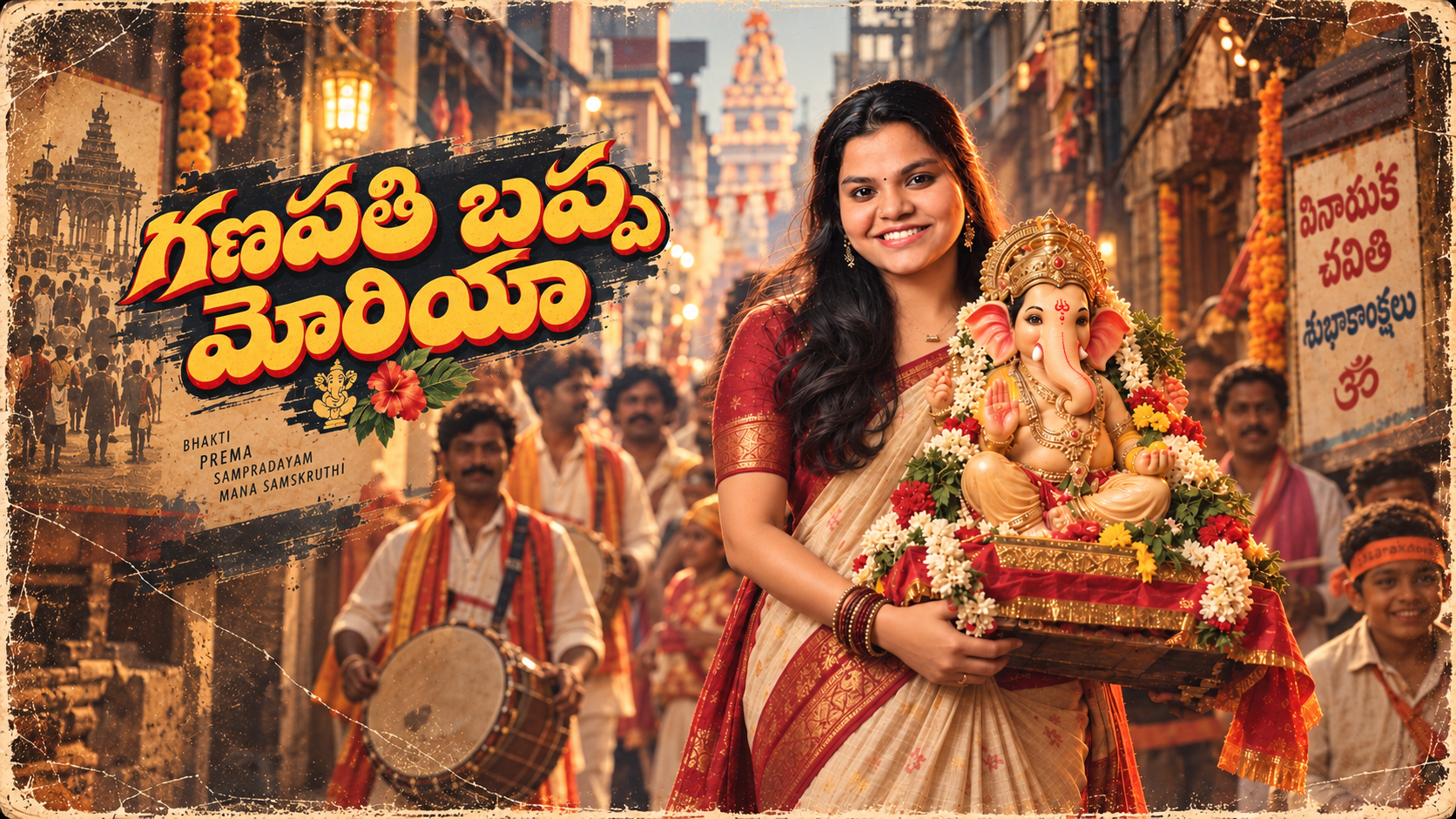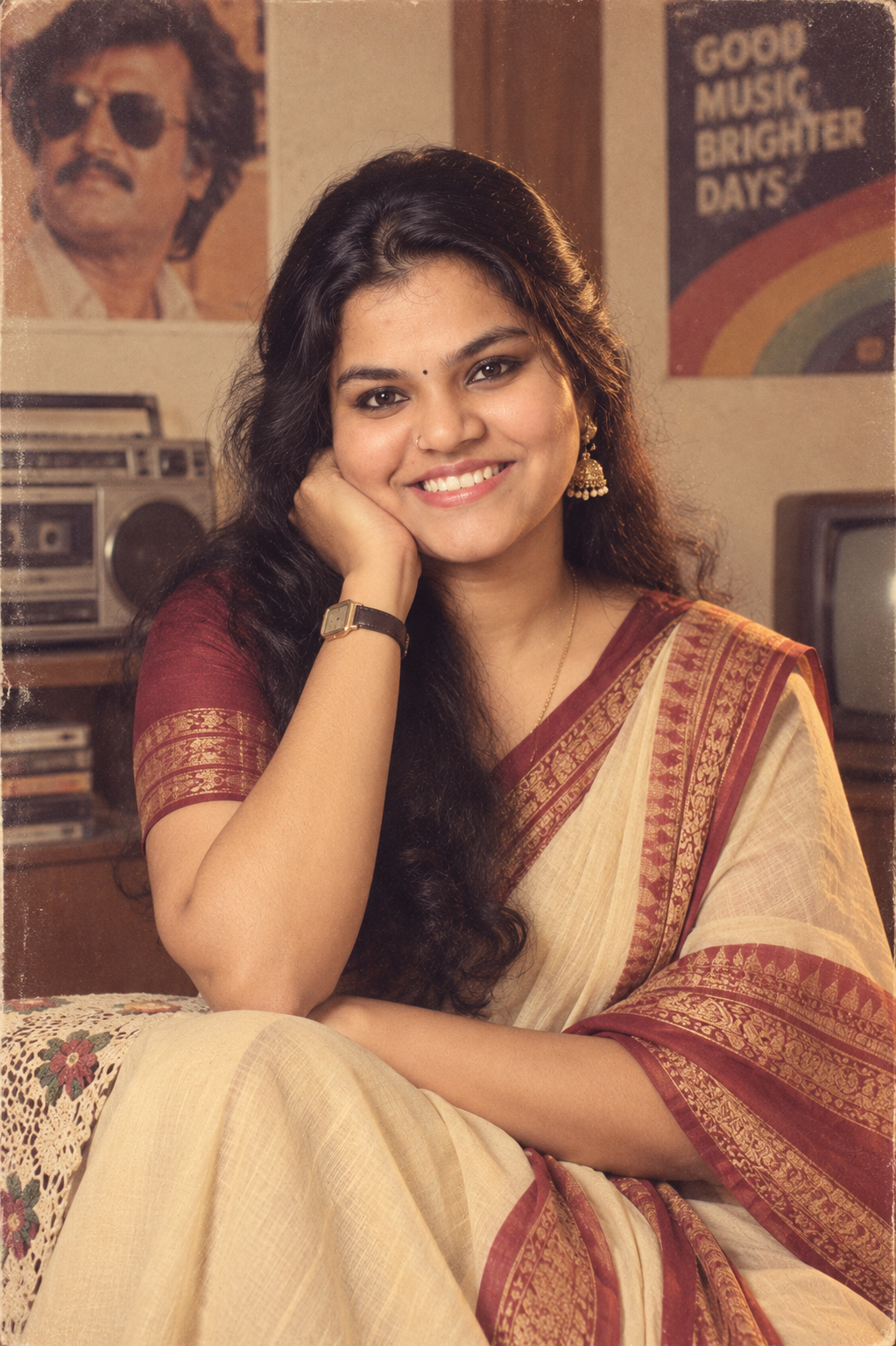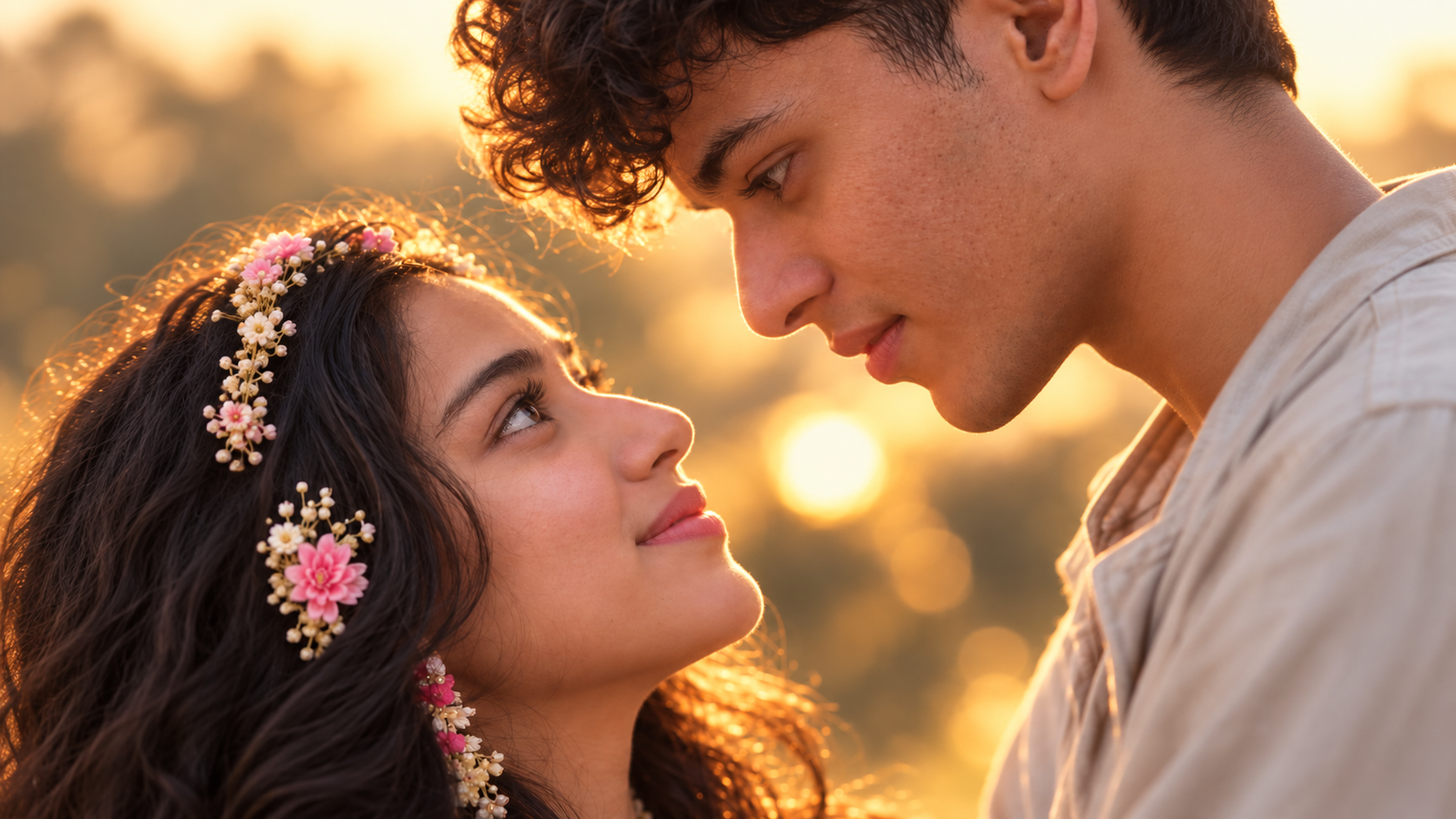
Yeshanagula Katta viral videos ippudu social media lo chala popular avutunnayi. Mee own character tho ilanti viral dance video ni recreate cheyali anukunte, Higgsfield Genjutsu mariyu ChatGPT use chesi easy-ga try cheyochu.
Ee guide lo Yeshanagula Katta viral video ni free-ga recreate cheyadam ela anedi step-by-step ga chuddam.
Munduga Kavalsinavi
Ee process kosam meeku ee 3 things avasaram:
- Mee face clear-ga kanipinche full-body photo
- Yeshanagula Katta remix video
- ChatGPT mariyu Higgsfield account
Step 1: Generate Full Body Sheets
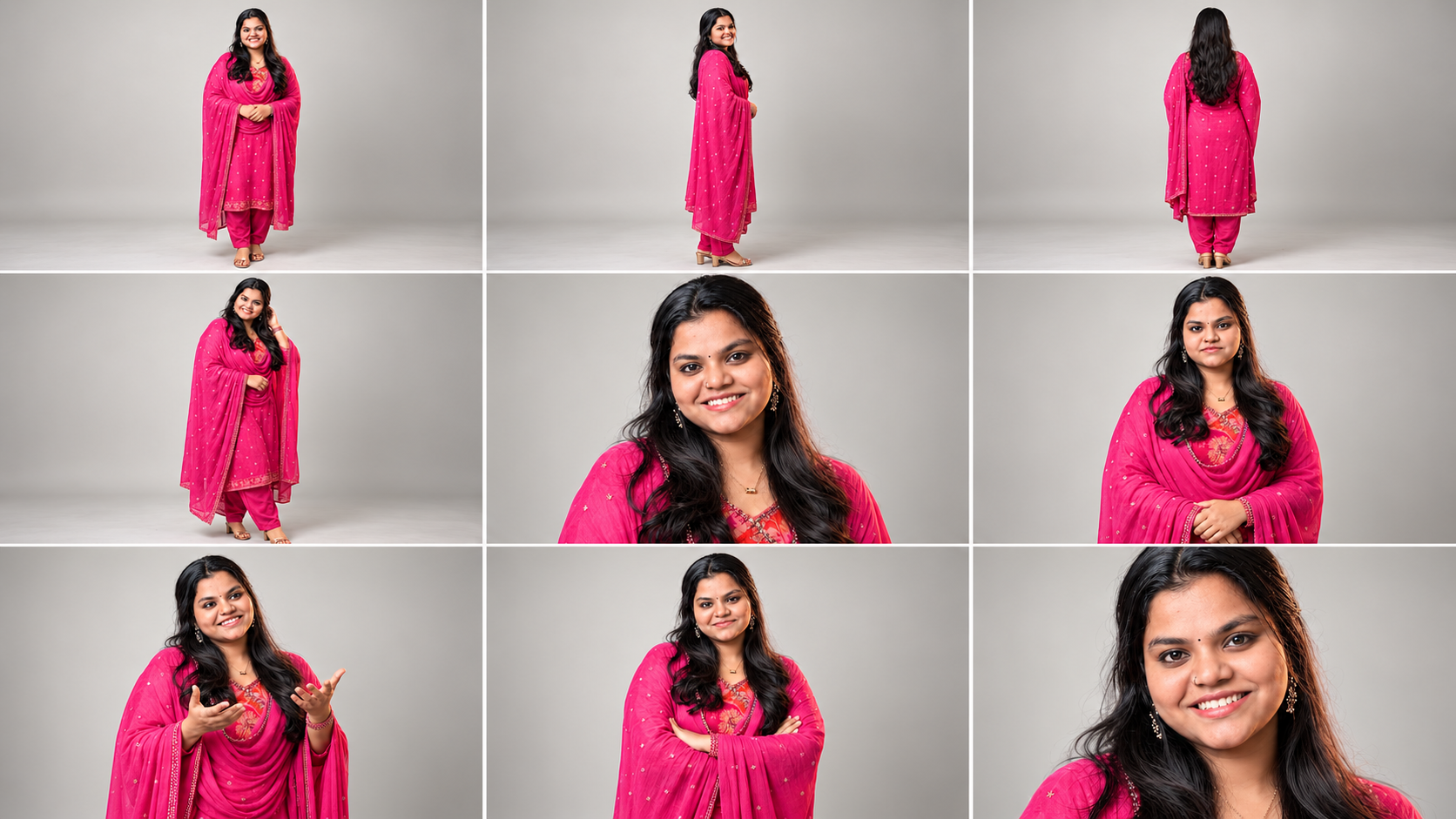
First ChatGPT App open chesi, mee face clear-ga kanipinche full-body photo upload cheyandi.
Tarvatha /charactersheet ani type cheyandi. Leda kindha ichina prompt ni ChatGPT lo paste cheyandi.
Ila abbayi character sheet mariyu ammayi character sheet separate-ga generate cheyandi. Rendu full-body character sheet images ni download cheskondi.
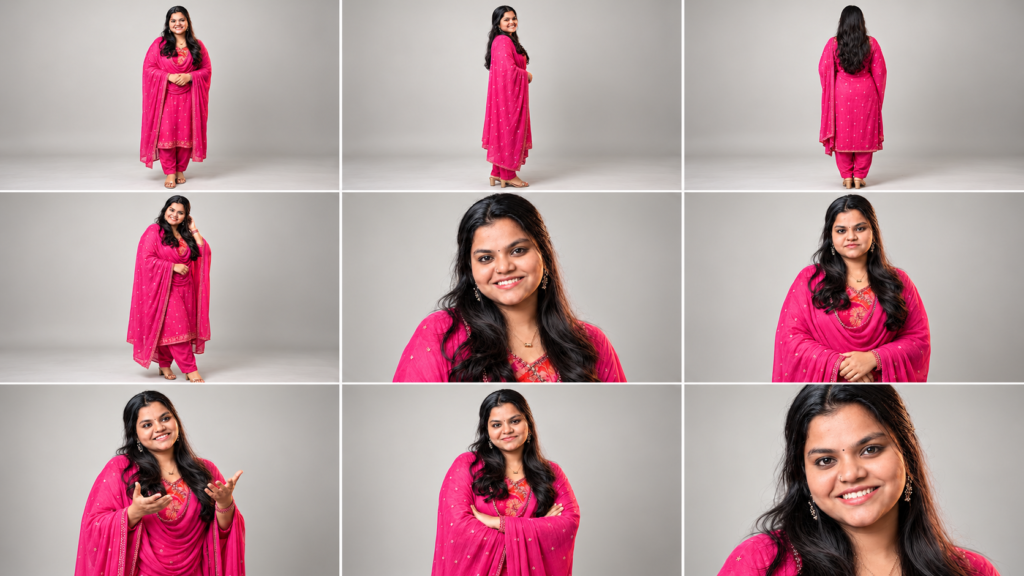
Character Sheet Prompt
Step 2: Prepare Reference Video
Ippudu Yeshanagula Katta remix video download cheskondi.
Meeku kavalsina dance portion-ni 4 nunchi 30 seconds madhyalo trim cheskondi.
Meeku recreate cheyali anukuntunna part matrame select chesi, aa video clip-ni save cheskondi.
Step 3: Open Higgsfield Genjutsu
Ippudu Higgsfield.ai website open chesi, kotha email tho login avvandi.
Login ayyaka search bar-lo “Genjutsu” ani search cheyandi.
Tarvatha Higgsfield Genjutsu ni select cheyandi.
Step 4: Upload Reference Video
Ippudu Higgsfield Genjutsu lo Reference Video section ki vellandi.
Mundhu trim chesi save chesina Yeshanagula Katta video clip ni ikkada upload cheyandi.
4 nunchi 30 seconds madhyalo unna clip-ni use cheyandi.
Step 5: Upload Reference Images
Ippudu Reference Images section ki vellandi.
ChatGPT lo generate chesina character sheet images ni upload cheyandi.
- First abbayi character sheet
- Next ammayi character sheet
Rendu images correct order lo upload chesina tarvatha next step ki vellandi.
Step 6: Add the Prompt
Ippudu Prompt Box lo kindha ichina prompt-ni copy chesi paste cheyandi.
Video Generation Prompt
Prompt paste chesina tarvatha, upload chesina Reference Video mariyu Reference Images correct-ga unnayo okasari check cheskondi.
Step 7: Generate the Video
Anni settings correct-ga unnayi ani confirm chesina tarvatha Generate button meeda click cheyandi.
Ippudu Higgsfield mee reference video mariyu character images ni process chesi video generate chestundi.
Video generate avvadaniki konchem time padutundi, kabatti processing complete ayye varaku wait cheyandi.
First video free-ga generate cheskovachu.
Video generate ayyaka result ni preview chesi, meeku nachite save cheskondi.
For more tech & AI updates
Follow @sahasra.tech