
In This Guide Show
I have a “watch later” playlist on YouTube with over 200 videos, and a downloads folder full of PDFs I swore I’d read. AI summaries have been a lifesaver for working through both – I can find out in two minutes whether a 45-minute video is worth my evening.
But I’ve also been burned. Once, an AI summary of a long government circular missed a single line about a deadline. That line mattered. So here’s how I use AI summaries – which tools, which prompts – and also when I think you should just read or watch the thing yourself.
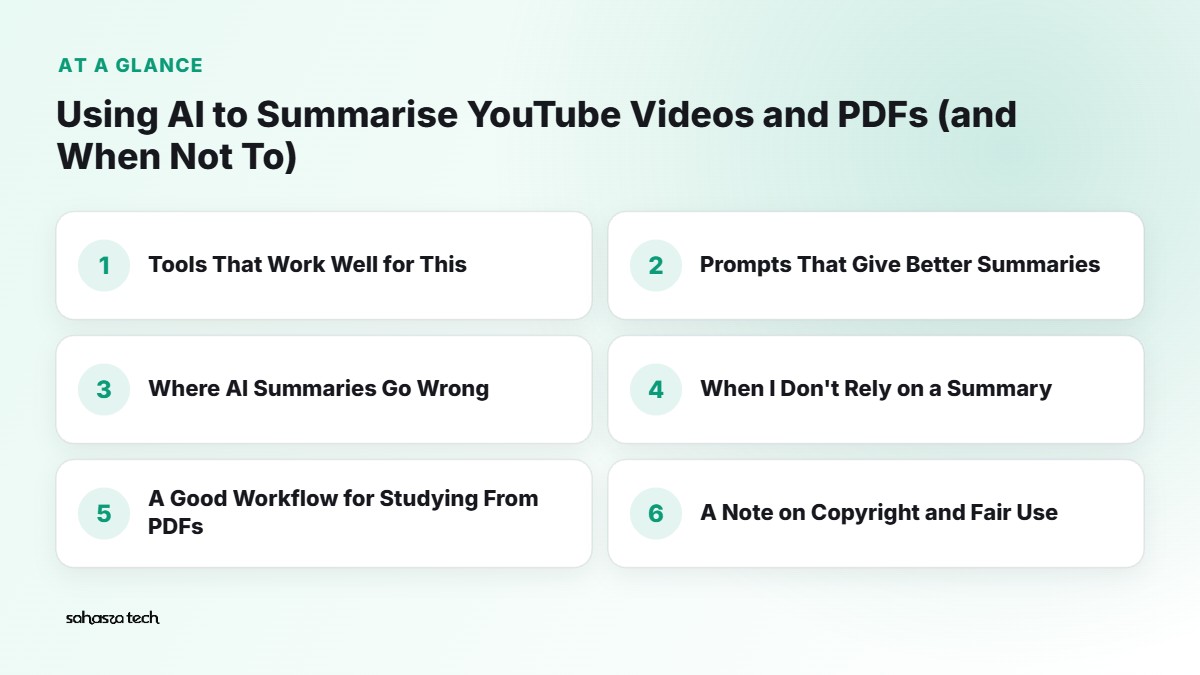
Tools That Work Well for This
Free tiers and features change, so check each tool’s current limits. These are the ones I find most practical:
NotebookLM (Google)
My top pick for PDFs, and it’s good with YouTube too.
- Go to notebooklm.google.com, create a notebook, and add sources: PDFs, Google Docs, website links, and YouTube links.
- Ask questions, and it answers using only those sources, with little citation numbers. Tap a citation to see the exact passage it used.
- It can generate study guides, FAQs, briefing documents and an “Audio Overview” – a podcast-style discussion of your material.
Why I like it: the citations make it easy to check whether the summary is right.
Google Gemini
- Paste a YouTube link and ask for a summary. Gemini can work with YouTube videos directly in many cases.
- Upload a PDF and ask questions about it.
ChatGPT
- Upload a PDF (free tier has limits) and ask for a summary or specific information.
- For YouTube, results depend on whether it can access the video. A reliable workaround is to copy the transcript (see below) and paste it in.
YouTube’s own transcript
Under many YouTube videos, open the description and tap Show transcript. You can copy this text and paste it into any AI tool. It’s the most reliable way to make sure the AI is working from what was actually said.
Prompts That Give Better Summaries
“Summarise this” works, but you can do much better.
For a quick decision:
Summarise this video in 5 bullet points. Then tell me who this video is most useful for, and whether it’s worth watching the full thing if I already know the basics of [topic].
For studying:
Summarise this PDF for a [Class 12 / BCom 2nd year] student. Give me: key concepts, important definitions, any formulas, and 5 questions I should be able to answer after reading it.
For work documents:
From this document, list: all deadlines, all amounts or numbers, all actions required from me, and anything that’s different from the previous version. Quote the exact lines.
For long videos:
Break this video into sections with timestamps and a one-line summary for each, so I can jump to the parts I need.
For checking claims:
List the main claims made in this video. For each, say whether the video gives evidence or just states it.
The “quote the exact lines” and “timestamps” requests are my favourite. They make it easy to go back and check.
Where AI Summaries Go Wrong
1. They miss small but important details
Summaries compress. A single line about an exception, a deadline, or a condition can disappear. For legal, financial or official documents, this is risky.
2. They can add things that weren’t there
Sometimes the AI fills in “expected” details from its general knowledge, even if the source didn’t say them. NotebookLM’s source-grounding reduces this, but doesn’t eliminate it.
3. Tables, charts and scanned PDFs
AI tools can struggle with complex tables, charts, and scanned (image-based) PDFs. Numbers in tables get misread or mixed up. If a PDF is a scan, quality matters a lot.
4. Tone and nuance
A video that says “this might work in some cases” can become “this works” in a summary. Opinions sometimes get presented as facts.
5. Very long content
Extremely long documents or videos may be partly cut off, depending on the tool’s limits. The summary might only cover the first part without telling you.
When I Don’t Rely on a Summary
I read or watch the original myself when:
- It’s a legal document, contract or rental agreement. Summaries can help me understand it, but I read every clause before signing.
- It’s a financial or tax document. Numbers matter. A misread digit can cost real money.
- It’s medical information. I’ll use AI to understand terms, but rely on the doctor for decisions.
- It’s an exam-critical chapter. For deep learning, reading builds understanding in a way a summary can’t. I use summaries for revision, not first learning.
- Someone will hold me accountable. If my manager asks about a report, “the AI said” isn’t a good answer.
A Good Workflow for Studying From PDFs
This is the approach I’d recommend to students:
- Read or skim the chapter yourself first. Even 15 minutes.
- Upload it to NotebookLM and ask for a summary of key concepts.
- Compare the summary with your own understanding – what did you miss? What did it miss?
- Ask it to quiz you: “Ask me 10 questions from this chapter, one at a time, and tell me if my answer is correct.”
- Use the summary for revision before exams.
This way, AI supports your learning instead of replacing it.
A Note on Copyright and Fair Use
- Summarising content for your personal understanding is generally fine.
- Republishing someone’s video or book summary as your own blog post or video can be copyright infringement – and it’s also just not nice to the original creator.
- Don’t upload paid course material or pirated PDFs to AI tools. Respect the terms of the course or publisher.
- For academic work, if you use ideas from a source, cite the original – not the AI summary.
Privacy Check
Before uploading a PDF to any AI tool, ask yourself:
- Does it contain personal information (Aadhaar, bank statements, medical reports)?
- Is it confidential company material?
- Would the owner be okay with it being uploaded?
If yes to any of these, don’t upload it to a public AI tool. Many companies have strict policies about this.
A Quick Accuracy Test You Can Do Yourself
Here’s a habit that’s worth the two minutes. After the AI gives you a summary, pick three specific points from it and find them in the original – the timestamp in the video, or the page in the PDF. If all three check out, you can trust the summary a little more for that document. If even one is off, or you can’t find it at all, slow down and read the relevant sections yourself.
I also like asking the tool directly: “What did you leave out of this summary?” It’s surprising how often it lists something that actually matters to me, like an exception, a fee, or a condition buried in the last few pages.
FAQ
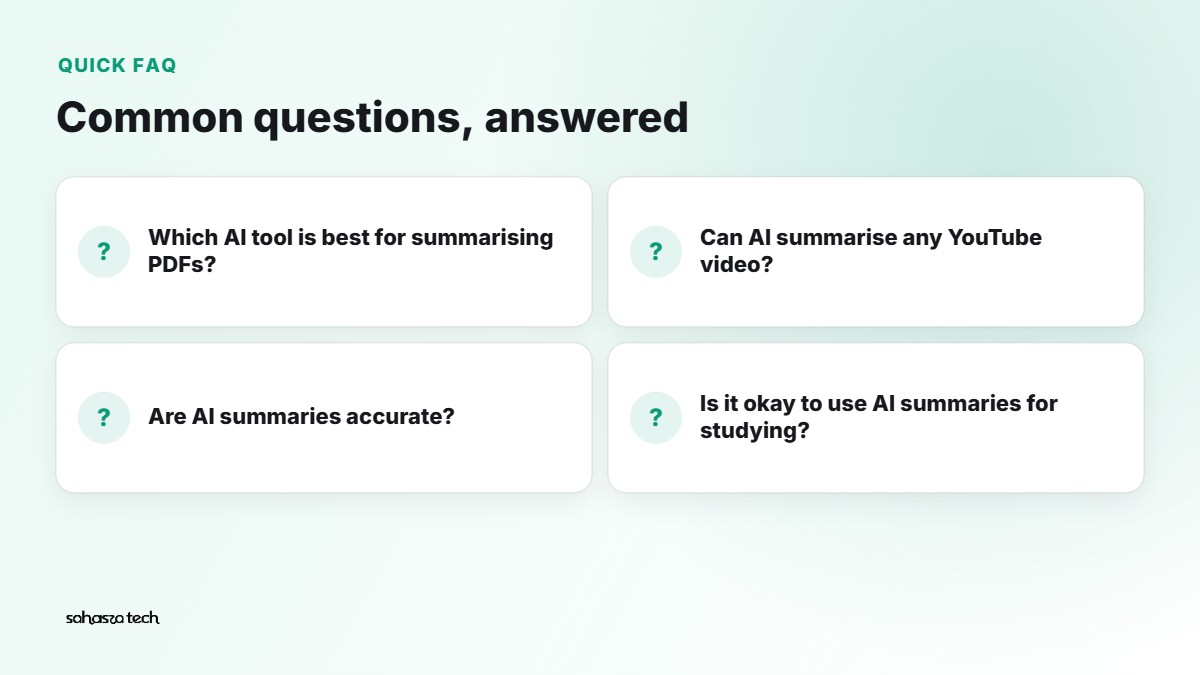
Which AI tool is best for summarising PDFs?
NotebookLM is excellent for PDFs because it answers from your documents and shows citations. Gemini and ChatGPT also work well.
Can AI summarise any YouTube video?
Not always. Some videos don’t have transcripts, or the tool can’t access them. Copying the transcript from YouTube and pasting it in is a reliable fallback.
Are AI summaries accurate?
Often reasonably accurate, but they can miss details or add things. For important documents, check against the original.
Is it okay to use AI summaries for studying?
Yes, especially for revision. But read the material yourself first for real understanding.
4 thoughts on “Using AI to Summarise YouTube Videos and PDFs (and When Not To)”