

In This Guide Show
A few weeks back, I asked ChatGPT for the opening hours of a small museum in Hyderabad. It gave me neat timings, a closed day, even a ticket price. All very confident. When I actually checked, the closed day was wrong.
That's the strange thing about AI chatbots. They're often brilliant, and sometimes wrong in exactly the same calm tone. Once you understand why, it gets much easier to know when to trust them and when to double-check.
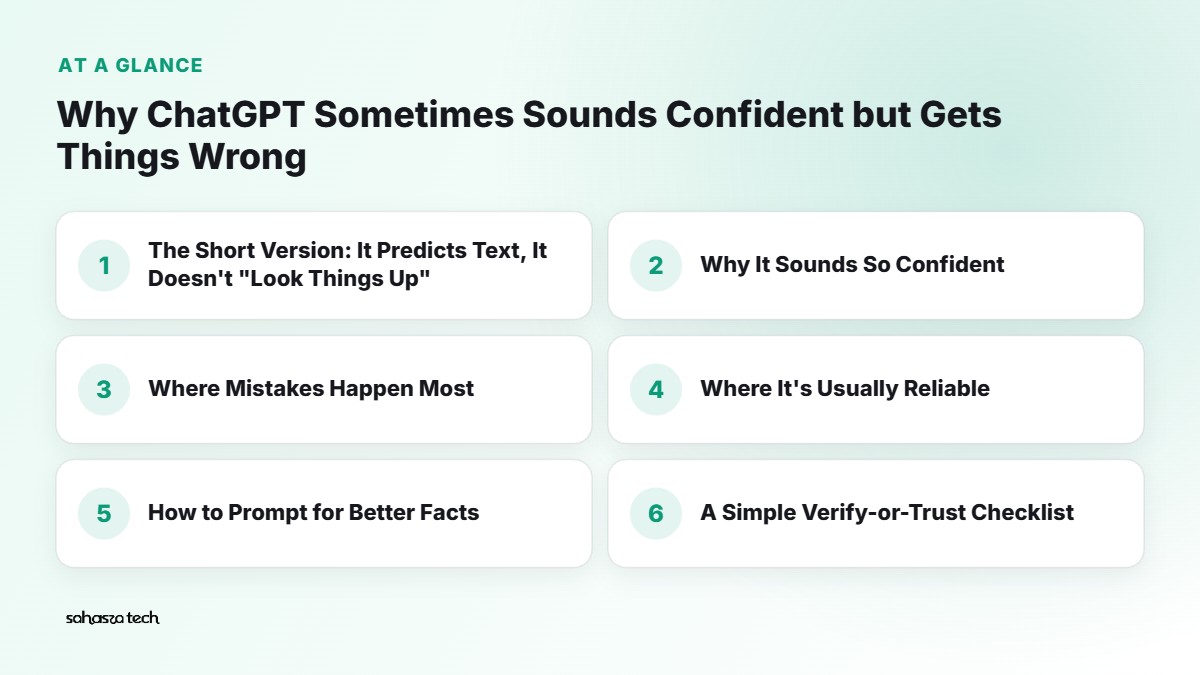
The Short Version: It Predicts Text, It Doesn't "Look Things Up"
Tools like ChatGPT, Gemini and Claude are built on what are called large language models. In very simple terms, they've been trained on a huge amount of text, and they've learned to predict what words are likely to come next.
When you ask a question, the model isn't opening a database and fetching the correct answer. It's generating a reply that sounds like a good answer, one piece at a time, based on patterns it learned.
Most of the time, the most likely-sounding answer is also the correct one. That's why these tools feel so smart. But when the model doesn't really "know" something – a rare fact, a small local detail, a very recent event – it can still produce something that sounds right. That's what people call a hallucination.
It's not lying. It doesn't have an intention to deceive. It's more like a student who didn't study a chapter but writes a fluent answer anyway, because the exam needs an answer.
Why It Sounds So Confident
This is the part that trips people up. With a human, we use tone as a clue. If your friend says "umm, I think it's on Tuesday?", you know to check.
AI models don't naturally show that hesitation. The writing style is smooth and sure, whether the fact is solid or shaky. Newer models have gotten better at saying "I'm not sure" – but it's still not reliable enough to depend on.
There's also a second effect: these tools are trained to be helpful and agreeable. So if your question has a wrong assumption built in – "Why did India win the 2011 World Cup final against Australia?" (it was against Sri Lanka) – the model may sometimes go along with you instead of correcting you. It's improved, but it still happens.
Where Mistakes Happen Most
From my own use, here's where I've seen chatbots go wrong most often:
1. Specific numbers and dates
Prices, populations, exam dates, phone specs, interest rates. These are exactly the kind of details that "sound right" with many possible values.
2. Citations and references
Ask for "five research papers on X with links" and you may get some real papers and some invented ones – with realistic titles and author names. This is one of the most well-known failure points. Always check.
3. Recent events
Every model has a training cutoff – a point after which it hasn't learned anything new. If the tool isn't searching the web, it simply doesn't know what happened after that. And even when it can search, it might mix old and new information.
4. Local and niche information
Your local RTO process, a small restaurant's timings, a specific state government scheme's latest rules. There's just less text about these online, so the model has less to go on.
5. Maths and long reasoning
Models have gotten much better at maths, especially when they show step-by-step work or use a calculator tool. But longer calculations can still go wrong in one step, and the final answer inherits the mistake.
6. Legal, medical and money advice
Not because the model is always wrong here, but because being wrong is expensive. Rules differ by country and state, and change often.
Where It's Usually Reliable
I don't want to make it sound useless. It's genuinely great for a lot of things:
- Explaining concepts – "What's the difference between RAM and storage?" Well-covered topics get good answers.
- Rewriting and editing – making an email politer, shortening a paragraph, fixing grammar.
- Brainstorming – blog ideas, gift ideas, names for a project.
- Summarising text you give it – when you paste the article, it's working from your source, not its memory. (Still skim the original for anything important.)
- Code help – writing and explaining code, though you should always run and test it.
A good rule: the more the answer depends on a specific fact, the more you should verify it. The more it depends on reasoning or wording, the more you can rely on it (while still using your own judgement).
How to Prompt for Better Facts
You can't eliminate errors, but you can reduce them. These habits have helped me a lot.
Ask it to show sources – and then actually open them
If your tool has web search (ChatGPT, Gemini, Copilot and Perplexity all do in some form), ask: "Search the web and give me the source link for each fact." Then click the links. Sometimes the source says something slightly different from the summary.
Give it permission to be unsure
Add a line like: "If you're not sure about something, say so clearly instead of guessing." It sounds basic, but it does make a difference in many cases.
Paste the source yourself
Instead of "What does the new RBI circular say?", paste the actual text of the circular and ask: "Summarise this in simple language. Only use what's in this text." Now it's working from the real document.
Ask for the reasoning, not just the answer
"Explain step by step how you got this" makes calculation mistakes easier to spot. If one step looks off, you'll see it.
Break big questions into small ones
"Plan my entire Goa trip with costs" invites lots of made-up numbers. Ask for the structure first, then check each cost separately on the actual booking site.
Push back
If something looks wrong, say so: "Are you sure the closed day is Friday? Please double-check." Often it'll correct itself. Sometimes it'll "correct" itself into a different wrong answer – which is your cue to go check a proper source.
A Simple Verify-or-Trust Checklist
Before using an AI answer for anything that matters, I run through this:
- 1. Is this a specific fact, number, date, or name? → Verify.
- 2. Will someone else rely on it (a client, your teacher, your family)? → Verify.
- 3. Could being wrong cost money, health, or legal trouble? → Verify with an official source or a professional.
- 4. Is it a recent event or a changing rule? → Verify with a current source.
- 5. Is it explanation, wording, or brainstorming? → Usually fine to use, with your own judgement.
Where to verify depends on the topic: official websites (.gov.in, your bank's site, the company's own page), reputable news, textbooks, or actual research papers on Google Scholar.
Good Habits for Using AI in Research
If you're using AI to study a topic, write a blog post, or prepare for a meeting, this flow works well:
- 1. Start with AI for the map. "What are the main subtopics I should understand about UPI fraud?" It's great at giving you the outline.
- 2. Go to real sources for the facts. Use the outline to search for proper sources.
- 3. Come back to AI to understand. Paste a confusing paragraph and ask it to explain.
- 4. Write in your own words. You'll understand it better, and it'll sound like you.
- 5. Keep a note of where each fact came from. Future-you will be grateful.
This keeps AI in the role of a helpful assistant, not the final authority.
What About AI Detectors and "Fact-Checking AI"?
Some people ask if they can use one AI to check another. It can help a bit – a second tool might catch an obvious mistake – but both can share the same blind spots. It's not a replacement for an actual source.
And AI detectors (the tools that claim to detect AI-written text) are a separate topic. They can be inaccurate in both directions, so don't treat their results as proof either way.
Will This Problem Go Away?
It's getting better. Newer models make fewer mistakes on common questions, and tools that search the web and cite sources help a lot. But because of how these systems work – predicting likely text – I don't expect "never wrong" any time soon. Honestly, even humans aren't there.
The healthier mindset is to treat AI like a very well-read friend who sometimes misremembers. Super useful. Just don't let them do your tax filing unchecked.
Quick Takeaways
- AI chatbots generate likely-sounding text; they don't automatically check facts.
- Confident tone doesn't mean correct.
- Specific facts, citations, recent events, and local info need verifying.
- Ask for sources, allow it to say "I don't know", and paste original documents when you can.
- Use AI for understanding and drafting; use real sources for facts.
FAQ
What is an AI hallucination? It's when an AI tool produces information that sounds plausible but is false or made up, like a fake citation or a wrong date.
Does ChatGPT's web search fix hallucinations? It reduces them for current facts, but the tool can still misread or misquote a source. Open the links for anything important.
Is ChatGPT safe to use for studying? Yes, for explanations and practice, as long as you verify facts and follow your college's rules on AI use.
Why does it give a different answer when I ask again? The replies are generated with some randomness, so wording and sometimes details change. If two answers disagree on a fact, that's a sign to check a proper source.
Related: WhatsApp privacy settings checklist and how to tell if your Android phone is slowing down.
3 thoughts on “Why ChatGPT Sometimes Sounds Confident but Gets Things Wrong”