

In This Guide Show
UPI is honestly one of the best things to happen to everyday payments in India. My neighbourhood tea stall takes it, the vegetable vendor takes it, my mother takes it from her cousins. But because everyone uses it, scammers love it too.
The good news? Almost every UPI scam depends on one of a handful of tricks. Once you know them, they become pretty easy to spot. Let's go through them one by one.
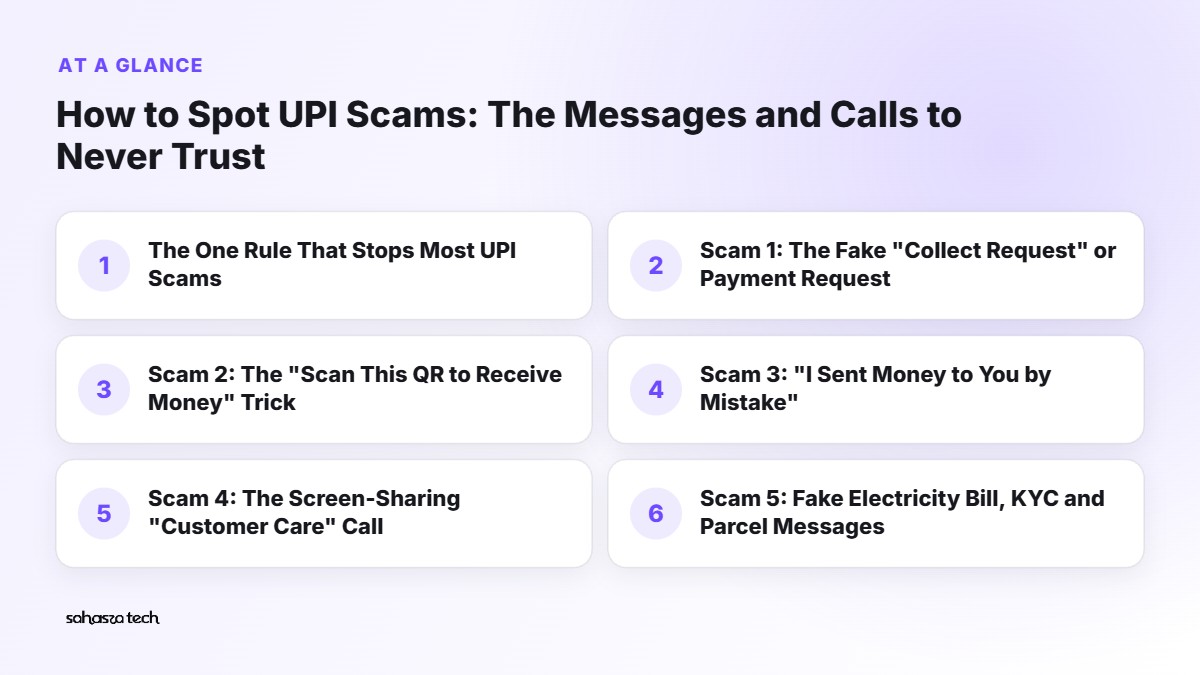
The One Rule That Stops Most UPI Scams
Before anything else, remember this:
You never need to enter your UPI PIN to receive money.
Not for a refund. Not for a prize. Not for a cashback. Not to "verify" your account. The UPI PIN is only for sending money out (or checking your balance). If anything asks for your PIN and says you'll get money, it's a scam. Full stop.
If you share just one line from this post with your family WhatsApp group, make it that one.
Scam 1: The Fake "Collect Request" or Payment Request
How it works: someone sends you a payment request on your UPI app – GPay, PhonePe, Paytm, whichever. It might say "Refund", "Cashback ₹2,000", "Order payment received", or have a name that looks like a company. You tap it, it asks for your PIN, you enter it… and money goes out of your account.
Common setting: you've listed something on OLX or a Facebook Marketplace group. A "buyer" says they'll pay you, then sends a request instead of a payment.
How to spot it:
- The screen says Pay or asks for your PIN. You were supposed to be receiving.
- The person is pushing you to "just approve fast".
What to do: decline the request. Block the number. A genuine buyer can simply send money to your UPI ID or scan your QR.
(NPCI has been tightening the rules on person-to-person collect requests, so you may see fewer of these over time – but scammers adapt, so the PIN rule still matters.)
Scam 2: The "Scan This QR to Receive Money" Trick
Same idea, different packaging. The scammer sends a QR code on WhatsApp and says, "Scan this to receive your payment."
Here's the thing: scanning a QR code is for paying, not receiving. When you scan, your app opens a payment screen. If you enter your PIN, you're sending money to them.
If you want to receive money, you show your QR code. They scan it.
Scam 3: "I Sent Money to You by Mistake"
How it works: you get an SMS that looks like a credit – "₹5,000 credited to your account". Then a call or WhatsApp message: "Sorry, I sent money to your number by mistake, please send it back, I'm in hospital/it's my child's fees."
Often, no money was ever sent. The SMS is fake, typed to look like a bank message, sent from a normal mobile number.
What to do:
- 1. Don't trust the SMS. Open your actual bank app or UPI app and check your balance and transaction history.
- 2. If no credit is there, it's fake. Block them.
- 3. If money genuinely came in, don't send it back yourself in a panic. Tell them to raise a reversal through their bank. Real mistakes get sorted through banks; scammers don't want that.
Scam 4: The Screen-Sharing "Customer Care" Call
This one causes some of the biggest losses I hear about.
How it works: your UPI payment fails, or a refund is stuck. You Google "XYZ app customer care number" and call the first number you see. Unfortunately, scammers put fake numbers on random websites and ads. The "executive" sounds professional and asks you to install an app like AnyDesk, TeamViewer or QuickSupport "to help fix the issue".
Those are screen-sharing or remote-access apps. Once installed, they can watch everything on your screen – including OTPs and your PIN as you type.
How to avoid it:
- Only use customer care from inside the official app (Help or Support section) or the official website you typed yourself.
- Banks and UPI apps will not ask you to install remote-access apps.
- If you already installed one at someone's request, uninstall it immediately and call your bank's official number.
Scam 5: Fake Electricity Bill, KYC and Parcel Messages
You've probably seen these SMS or WhatsApp messages:
- "Dear customer, your electricity will be disconnected tonight at 9:30 PM. Call this officer immediately."
- "Your bank KYC is expired. Update now or your account will be blocked: [link]"
- "Your parcel is held at customs. Pay ₹49 to release: [link]"
They all use urgency + a link or a phone number. The link usually leads to a fake page that looks like your bank or a payment page, designed to steal your card details, OTP or UPI PIN.
How to check:
- Look at the sender. Real bank and electricity board SMS usually come from a short header (like XX-HDFCBK or similar), not a 10-digit mobile number. That's not a perfect test, but it's a good first filter.
- Never update KYC from a link in an SMS. Open your bank's app directly or visit the branch.
- For electricity bills, check in your discom's official app or website, or your UPI app's bill payment section.
Scam 6: Job, Task and "Like This Video" Offers
How it works: a message on WhatsApp or Telegram: "Earn ₹3,000/day part-time, just like YouTube videos." They pay you small amounts at first – ₹150, ₹200 – to build trust. Then come "prepaid tasks" where you deposit money to earn a bigger commission. The numbers on their dashboard grow, but you can never withdraw. Eventually they ask for a "tax" or "withdrawal fee".
The giveaway: any job that asks you to pay first is not a job.
Scam 7: Impersonation – "Beta, I Need Money Urgently"
Someone uses a relative's or friend's photo on a new number. Or worse, they call pretending to be police, a courier company, or a government officer, claiming you're involved in some case and must pay to settle it. Some of these "digital arrest" calls even happen over video with fake uniforms.
What to do:
- Hang up and call the person on their old, known number.
- No real police or government agency settles a case by asking for UPI payments on a video call.
- Talk to someone you trust before paying anything. Scammers rely on you being scared and alone.
A Quick Before-You-Pay Checklist
Before entering your UPI PIN, take three seconds:
- 1. Am I sending money? If I'm supposed to be receiving, stop.
- 2. Do I know who this is? Check the name shown on the payment screen – it's the registered name of the UPI ID.
- 3. Is someone rushing me? Urgency is the scammer's best friend.
- 4. Did I start this, or did they? If they contacted you first, be extra careful.
Settings That Help
- Set a lower daily UPI limit in your app if you don't usually send big amounts. Most UPI apps and banks let you adjust this.
- Keep app lock on for your UPI apps.
- Don't save your PIN in notes or as a contact name. (Yes, people do this.)
- Use a separate account with a smaller balance for daily UPI, if that's practical for you.
- Turn on transaction SMS and email alerts so you notice anything odd quickly.
If You've Been Scammed – Act Fast
Time matters a lot here.
- 1. Call 1930 – the national cybercrime helpline – as soon as possible.
- 2. Report online at cybercrime.gov.in.
- 3. Call your bank (number from the back of your card or the official app) and ask them to block or flag the transaction.
- 4. Report the transaction inside your UPI app – most have a "Report a problem" or "Raise dispute" option on the transaction screen.
- 5. Save evidence: screenshots of chats, the number, the UPI ID, transaction ID.
You can also report suspicious calls and messages (even if you didn't lose money) through the Chakshu feature on the government's Sanchar Saathi portal. It helps get these numbers flagged.
And please – don't be embarrassed. These scams fool smart, careful people every day. Reporting quickly gives you the best chance of recovery.
FAQ
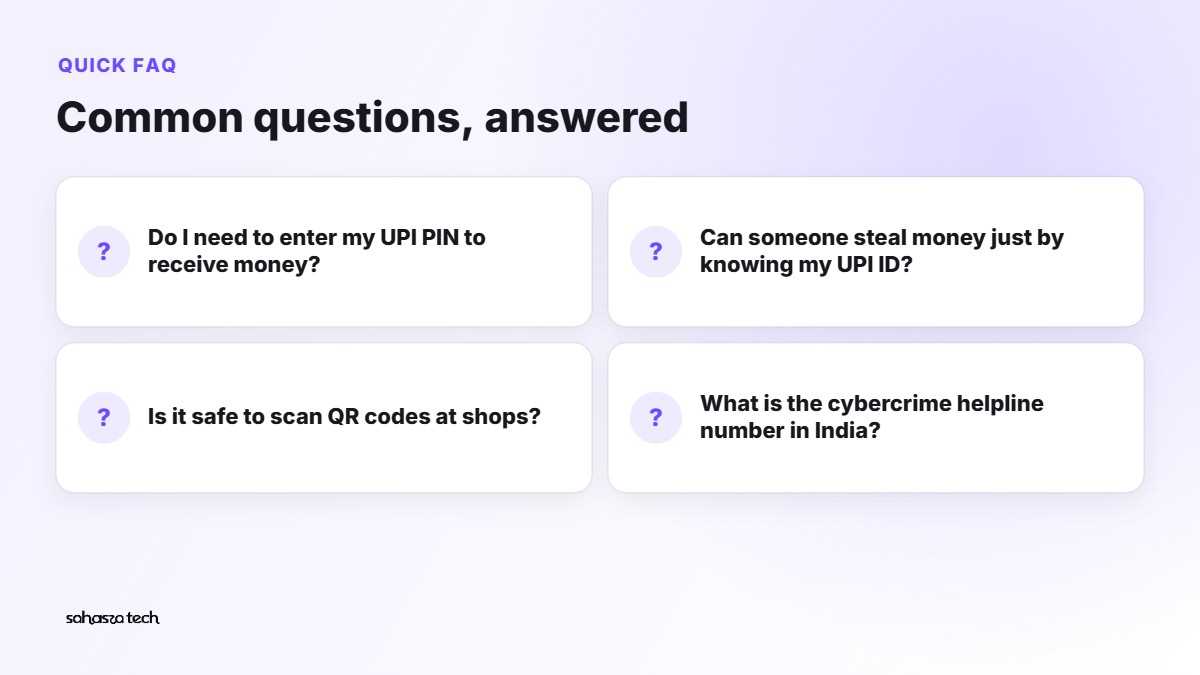
Do I need to enter my UPI PIN to receive money? No. Never. The PIN is only for sending money or checking balance.
Can someone steal money just by knowing my UPI ID? Not by itself. They need you to approve a payment with your PIN. That's why scams focus on tricking you into doing that.
Is it safe to scan QR codes at shops? Generally yes, when you're paying a shop you can see. Check the name that appears before entering your PIN.
What is the cybercrime helpline number in India?
- 1930. You can also file a complaint at cybercrime.gov.in.
2 thoughts on “How to Spot UPI Scams: The Messages and Calls to Never Trust”